Affiliate disclosure: PicksLab earns commissions on qualifying Amazon purchases via the pickslab-20 tag, at no extra cost to you.
Ever try to explain something on paper during a video call? You lift the page toward the laptop, lose track of what the other person can see, then put it down because you need both hands to write. A document camera solves that particular annoyance: the camera looks down at the work while you carry on teaching, drawing or demonstrating.
That could mean working through fractions with a student, showing a class how to fold a model, or explaining which connector goes where on a small electronics project. You don’t need the most expensive camera for all three. You need enough room under the lens, a useful live picture and a connection that works with the equipment already on your desk.
We compared five models from four brands. The INSWAN INS-2 is the strongest starting point for teaching through a computer: its published shooting area covers a full worksheet, it offers a faster 1080p mode for moving hands, and its current price sits close to the cheapest pick. The much more expensive IPEVO VZ-R ULTRA makes sense for a different reason: it can connect directly to an HDMI display without a computer in between.
TL;DR - Our top pick: INSWAN INS-2, for a practical combination of page coverage, 1080p/60 video capability and USB teaching software. It is not a direct-to-TV camera.
Price Comparison
Ordinary new US Amazon offers checked October 30, 2026, listed from lowest to highest. These are not Prime-only or coupon prices. Standard delivery was shown as free at the checked destination; tax, delivery dates and seller availability can change. The VZ-R ULTRA had an active order button but a November 13-27 delivery estimate, so check timing before buying for an upcoming lesson.
| Product | Price checked | Editorial score: worksheet teaching | What the extra capability buys you | Main limitation |
|---|---|---|---|---|
| OKIOLABS OKIOCAM T-4K | $86.95 | Not scored | Folding base and detachable camera for a bag-friendly setup | Conflicting manufacturer page-area figures; confirm large-page needs |
| INSWAN INS-2 | $95.00 | 9/10 | A3-sized shooting area and a choice of detail or faster live motion | Computer required; recording limits depend on software |
| CZUR Fancy S Pro, black | $99.00 | Not scored | Rotating head and selectable continuous/single autofocus | Its 4K mode is limited to 15 fps |
| IPEVO V4K-13MP ULTRA, black | $179.10 | 7/10 | IPEVO’s Visualizer workflow, onboard lighting and 4K/30 capture | USB only; 16:9 framing leaves little room around a letter page |
| IPEVO VZ-R ULTRA 13MP, black | $357.59 | 8/10 | Direct HDMI output plus a larger shooting area | Higher cost and later delivery in this offer |
The scores judge computer-based worksheet teaching, not image quality. A direct-HDMI classroom has a different priority. The scoring breakdown below explains the numbers and the two withheld scores.
Buy for the lesson, not just the megapixels
Three checks narrow this purchase considerably.
First, decide whether a computer will be present. A USB document camera is a camera input for your computer or supported tablet, not an HDMI video source. Plugging it into a television’s ordinary USB socket doesn’t turn it into one. If the classroom setup is simply a projector and a table, the VZ-R ULTRA’s HDMI output is a meaningful upgrade, not an image-quality trophy.
Second, measure the thing you want to show. A landscape US letter page is about 279 by 216 mm. IPEVO specifies a 360 by 220 mm maximum 16:9 shooting area for the V4K ULTRA: only about 4 mm of total vertical clearance around that page. Use its taller 4:3 mode for more breathing room. A landscape A4 page is 297 by 210 mm; the same mode leaves just 10 mm vertically. These are dimensional comparisons, not measured framing results; height, rotation and software cropping still matter. IPEVO’s mode-specific dimensions make this more useful than calling every camera “A4 compatible.”
Third, separate still detail from live movement. A high-resolution still can be useful for saving a worksheet. Moving a pen or demonstrating a knot benefits from a faster video mode. The INS-2 and V4K ULTRA can offer 1080p at 60 fps, while their highest-resolution modes run more slowly. Your meeting service may send a lower resolution or frame rate anyway. Start with the camera mode that suits the demonstration, then check what a participant actually receives.
Feature Comparison
These are manufacturer-listed camera capabilities, not guarantees about Zoom, Meet or a saved recording. The specification and software links below explain the relevant modes.
| Product | Live-video distinction | Page/positioning distinction | Connection and software |
|---|---|---|---|
| OKIOCAM T-4K | 8 MP sensor; up to 30 fps advertised, not an 8 MP/30 guarantee | Folding magnetic base, arm extender, detachable head | USB; OKIOCAM Live, with platform-specific features |
| INS-2 | 4K/30 or 1080p/60; maximum 3840 x 3104 at 15 fps | Up to 420 x 315 mm; autofocus and LED | USB-A; optional Documate |
| Fancy S Pro | 1080p up to 60 fps; 4K up to 15 fps | Four adjustable joints and rotating head; single/continuous AF | USB 2.0; CZUR Visualizer on supported Windows/Mac systems |
| V4K ULTRA | 4K/30 or 1080p/60; maximum 3840 x 3104 at 15 fps | 360 x 268 mm in 4:3; 360 x 220 mm in 16:9 | USB-A; IPEVO Visualizer |
| VZ-R ULTRA | 4K/30 capability; USB also supports 1080p/60 | Up to 480 x 366 mm in 4:3; onboard controls and LED | USB-C or direct HDMI; Visualizer for computer use |
How we score worksheet teaching
These are PicksLab editorial review scores, calculated from the manufacturer evidence and October 30 offers linked in this article. The weights express our priorities for this use, not an industry standard. They are not customer stars or hands-on performance results. We use whole points, with no inferred score for missing evidence.
- Framing, up to 3 points (30%): 3 for a documented frame fitting landscape A3 (420 x 297 mm); 2 for landscape letter (279 x 216 mm) with at least 10 mm total clearance on each axis in an available mode; 1 for letter with less clearance; 0 for a documented smaller frame. Unknown or contradictory usable-area evidence means no total score.
- Moving demonstrations, up to 2 (20%): 2 for documented 1080p/60 capture, 1 for 1080p/30, 0 for a documented lower maximum. A frame-rate claim without its resolution is insufficient to score. These are camera capabilities, not promises about a meeting app’s output.
- Connections, up to 2 (20%): 2 for USB and direct HDMI, 1 for USB only, 0 for neither supported route.
- Everyday controls, up to 1 (10%): 1 for documented autofocus and a built-in light, 0 when either is absent.
- Purchase price, up to 2 (20%): 2 at $100 or less, 1 above $100 through $200, 0 above $200, using the checked new offer. These editorial budget bands exclude tax, adapters and delivery urgency.
| Product | Points: framing + motion + connections + controls + price | Editorial score | Why it lands here |
|---|---|---|---|
| OKIOCAM T-4K | Incomplete | Not scored | The conflicting area figures and unpaired resolution/frame-rate claim need clarification. Portability remains a documented reason to consider it. |
| INS-2 | 3 + 2 + 1 + 1 + 2 | 9/10 | A3 coverage and 1080p/60 at $95; it gives up the direct HDMI point. |
| Fancy S Pro | Incomplete | Not scored | The reviewed exact-model sources do not establish a maximum usable page area. A rotating head does not establish that measurement. |
| V4K ULTRA | 2 + 2 + 1 + 1 + 1 | 7/10 | Use 4:3 for letter-page clearance. It lacks A3 coverage and HDMI, and costs more than INS-2. |
| VZ-R ULTRA | 3 + 2 + 2 + 1 + 0 | 8/10 | Its larger frame and HDMI earn full capability points; the $357.59 offer earns no budget points. |
Unscored means the evidence is incomplete, not that the product failed a test. These numbers do not measure sharpness, autofocus reliability, software usability or durability. A better-documented capability is not proof of a better real-world picture, and the VZ-R’s delivery delay can outweigh its score when the next lesson is soon.
1. OKIOLABS OKIOCAM T-4K
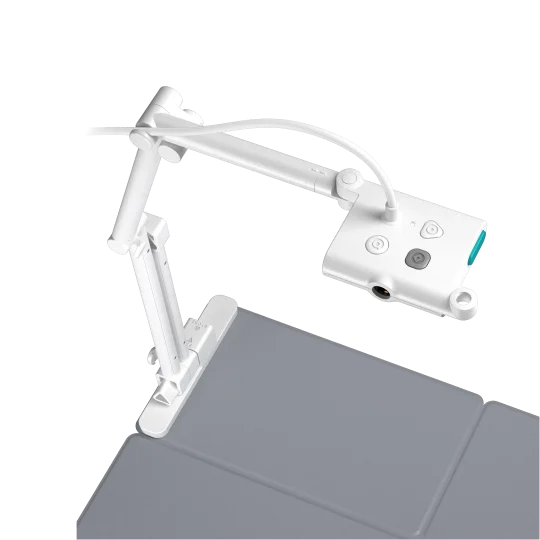 Image: OKIOLABS.
Key specs: Sensor: 8 MP; Maximum image: 3264 x 2448; Weight: 363 g; Mount: detachable camera with 1/4-20 thread.
At $86.95, the T-4K is the portability-first option. Its folding base and removable head are useful when the camera has to share a bag with a laptop rather than live permanently on a classroom desk. The threaded mount also gives you another positioning option if the supplied arm doesn’t fit the demonstration.
The manufacturer’s product page currently disagrees with itself about maximum recording area: one section lists 9.65 by 12.8 inches, while the comparison lists 13.86 by 18.11 inches for T-4K. Both exceed letter paper’s dimensions, but that is not enough evidence to promise comfortable A3 coverage. Confirm the extender configuration with OKIOLABS before buying specifically for large sheets.
OKIOCAM Live provides annotation, recording and image controls; the download page distinguishes Windows, Apple-silicon Mac, Chrome extension and iOS versions. Its OKIOPoint feature is not supported on iPad. This is a useful travel-oriented teaching camera, but skip it when a precisely documented large-page frame is the deciding requirement.
2. INSWAN INS-2
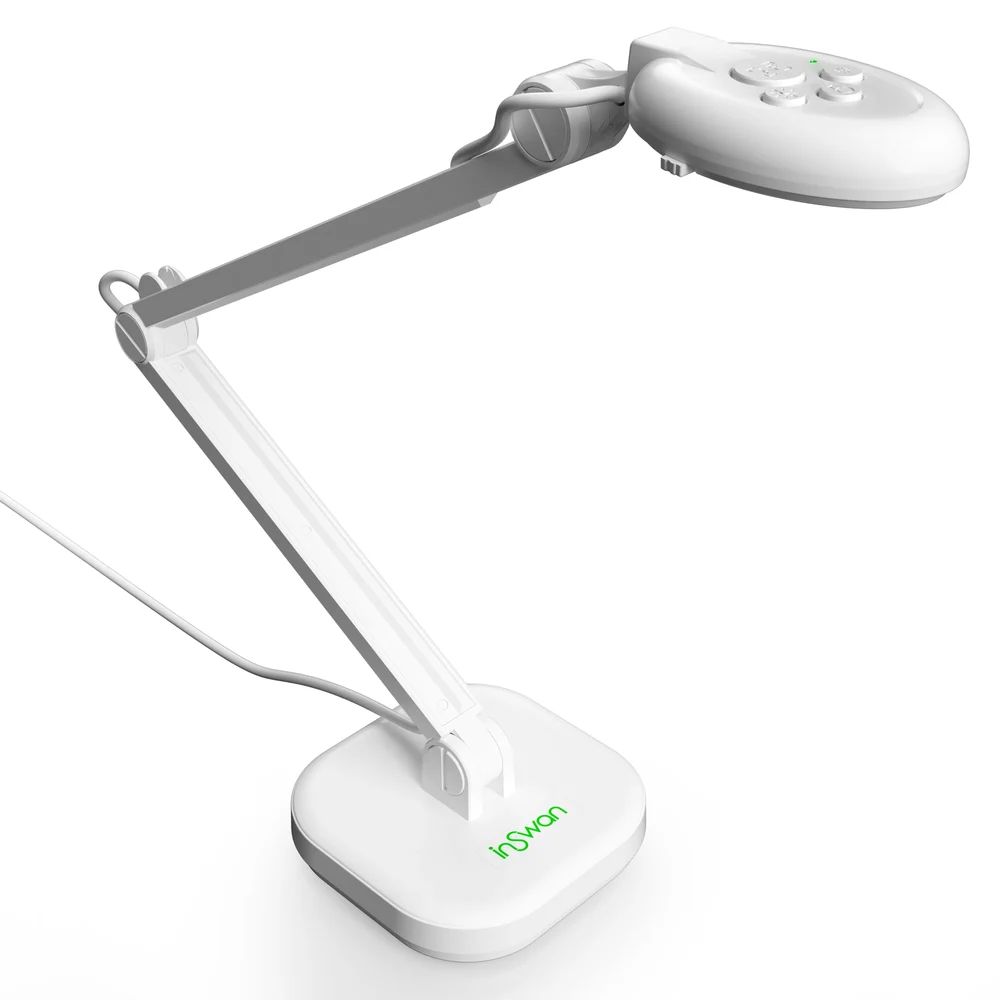 Image: INSWAN.
Key specs: Sensor: 13 MP; Shooting area: up to 420 x 315 mm; Live modes: 3840 x 2160 at 30 fps or 1920 x 1080 at 60 fps; Connector: USB-A.
The INS-2 costs $95.00, only a small step above the OKIOCAM. Its specified shooting area accommodates larger paper, while the faster 1080p mode gives you an alternative to maximizing detail when your hands are moving. A built-in light and autofocus are useful everyday controls, not features reserved for expensive cameras. INSWAN’s specifications identify the highest-resolution 15 fps mode separately.
The important catch is recording software. INSWAN lists lower recording limits for Documate than the camera’s maximum live output, including 1080p in 16:9 on Windows/Mac and 720p for its Chromebook recording workflow. Don’t buy it expecting every application to save 4K video. The official Documate downloads distinguish current macOS 13.5+, older Mac releases, Windows, Chrome, Android and a web app; check your platform before planning an annotation-heavy lesson.
It’s our starting recommendation for USB-based tutoring because the price, coverage and available modes fit that job. Skip it when you need HDMI straight into a projector. A USB-C-only laptop also needs an appropriate USB-A adapter.
3. CZUR Fancy S Pro
Buy CZUR Fancy S Pro on Amazon ->
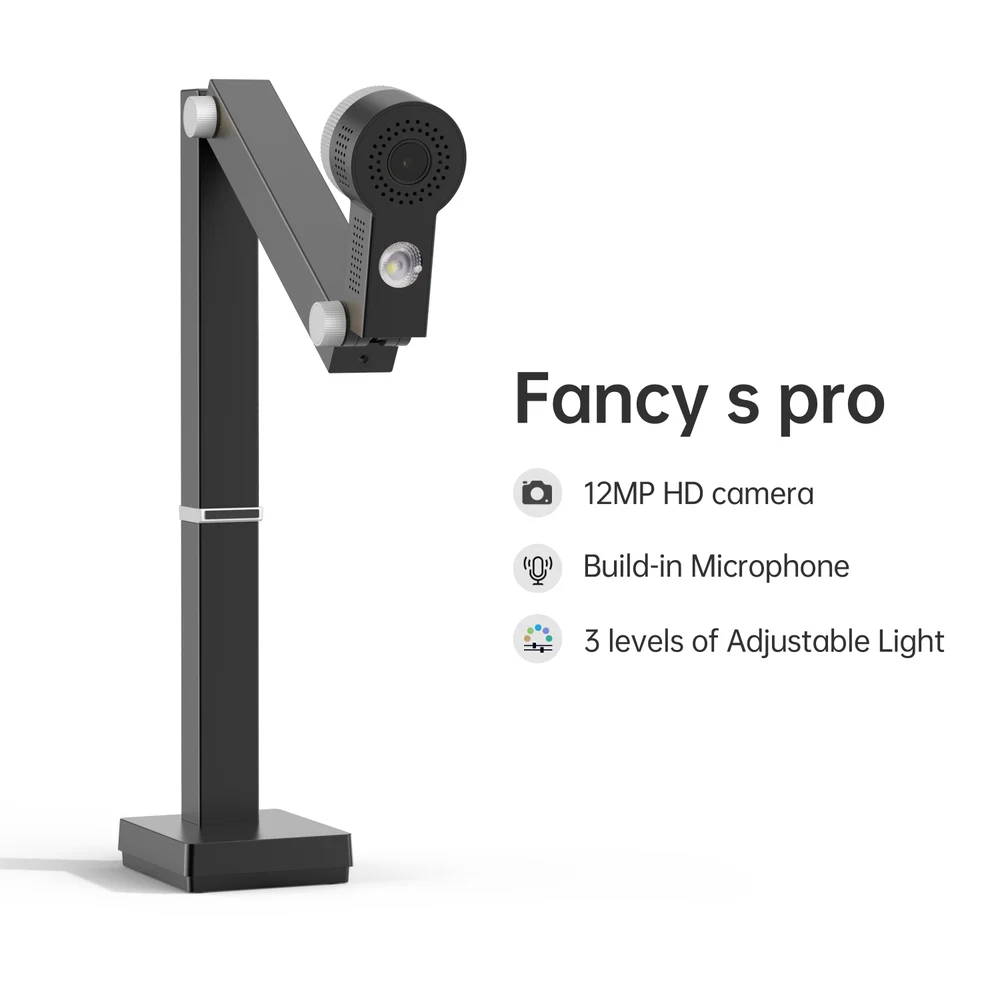 Image: CZUR, black 12 MP variant.
Key specs: Sensor: 12 MP; Maximum image: 4000 x 3000; Video: up to 1080p/60 or 4K/15; Lighting: three levels; Positioning: four adjustable joints and rotating head.
The $99.00 Fancy S Pro suits a desk where the camera alternates between paper, small objects and the presenter. Its rotating head and selectable single-shot or continuous autofocus make the positioning and focus controls worth looking at. Single focus lets you establish the page plane without inviting a refocus every time a hand crosses the frame.
Be careful with the name: the Fancy series specification table separates the 12 MP S Pro from the 8 MP Pro. It also lists 4K at only 15 fps. That is a reason to use faster 1080p for a moving demonstration, not a reason to assume the larger sensor automatically wins at live teaching.
Use the current Fancy S Pro software page for CZUR Visualizer and platform requirements; the current Mac release requires macOS 12 or later. Its older product-page OS list is not a promise that today’s software runs on the same systems. Skip this pick if Chromebook annotation is essential without first confirming a supported workflow. The black camera offer checked here is not a guarantee that the optional scanning mat is included.
4. IPEVO V4K-13MP ULTRA
Buy IPEVO V4K-13MP ULTRA on Amazon ->
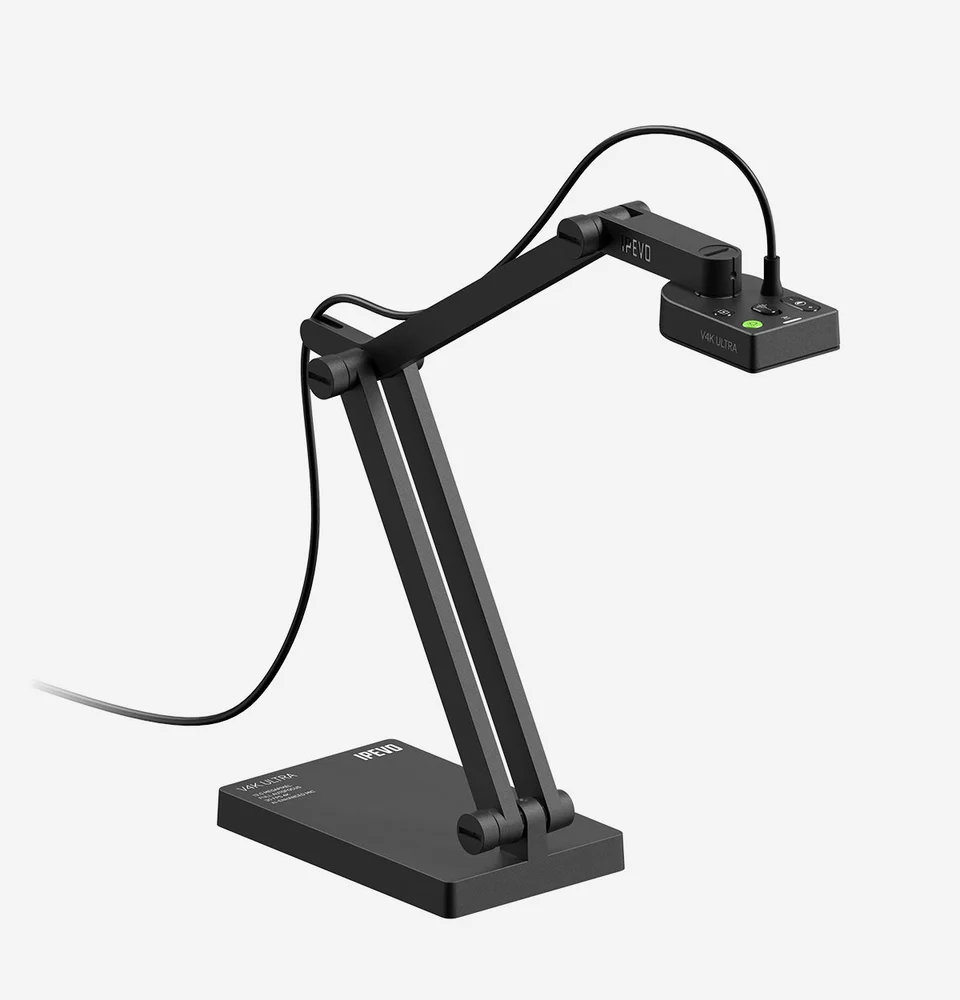 Image: IPEVO.
Key specs: Sensor: 13 MP; Live modes: 4K at 30 fps or 1080p at 60 fps; Shooting area: 360 x 268 mm in 4:3; Connection: USB-A.
At $179.10, the V4K ULTRA needs a reason beyond having more pixels: the cheaper INS-2 already offers similar headline modes. The stronger case is an established IPEVO workflow, particularly when you already use its image controls and teaching software and want to stay with them. This is the 13 MP ULTRA, not the older 8 MP V4K.
IPEVO Visualizer provides the computer-side presentation workflow. Hardware UVC compatibility and every Visualizer feature are different questions; confirm the version for Windows, macOS or ChromeOS. The hardware specifications also describe USB-C iPad support with iPadOS 17 or later, but that still requires a compatible external-camera app and connection.
Its 4:3 frame matters more for full worksheets than the 16:9 marketing image suggests. If a page edge keeps disappearing, change aspect ratio before assuming the arm is too short. Skip this model if you mainly want basic USB lessons at the lowest cost, or if your display requires direct HDMI: the V4K ULTRA does not provide that output.
5. IPEVO VZ-R ULTRA 13MP
Buy IPEVO VZ-R ULTRA on Amazon ->
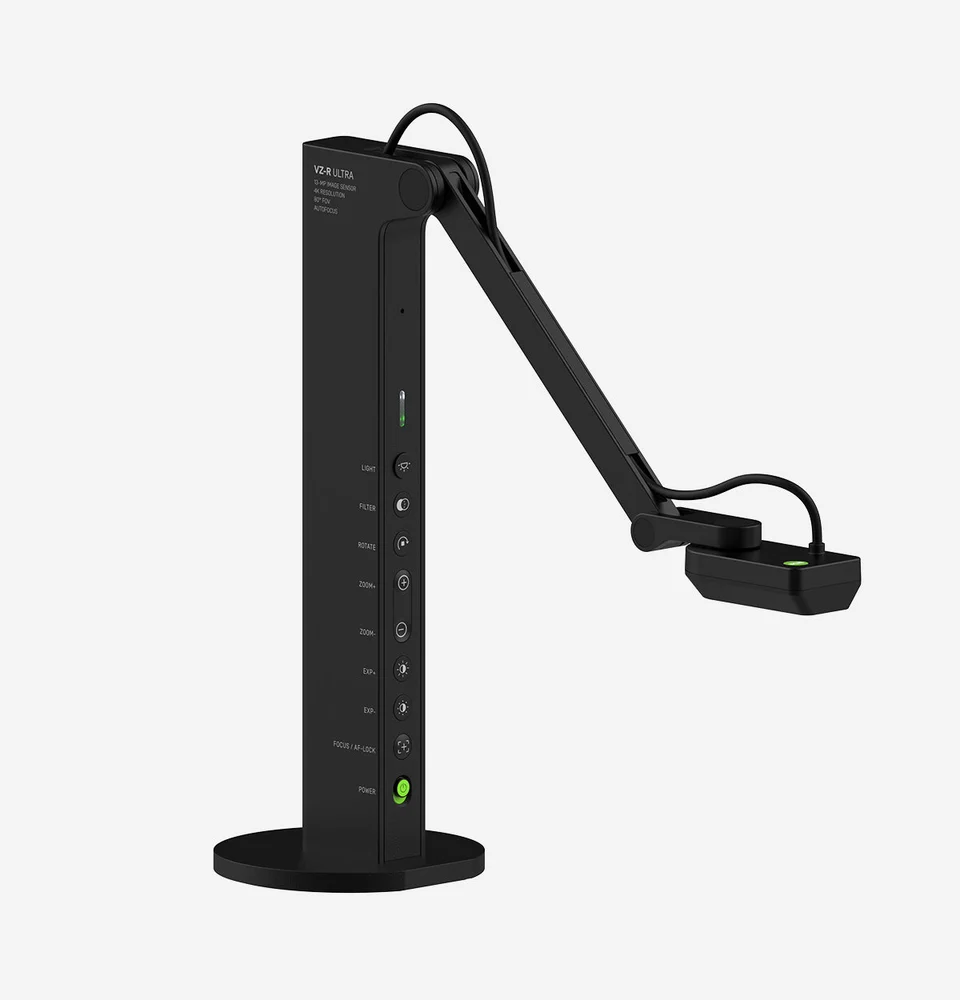 Image: IPEVO.
Key specs: Sensor: 13 MP; Outputs: HDMI and USB-C; Shooting area: up to 480 x 366 mm in 4:3; USB live mode: 1920 x 1080 at 60 fps; Weight: 1 kg.
The $357.59 VZ-R ULTRA buys a different setup. Connect its HDMI output to a compatible projector or display, supply USB power, and you can present without routing the image through a laptop. That removes a computer from a classroom demonstration; it doesn’t remove the need for power or a compatible video cable. IPEVO’s overview documents the two connection modes and onboard controls.
The larger mode-specific shooting area is useful for big sheets and objects that need working room around them. Controls for focus, exposure and image adjustment are on the unit, while USB mode also supports the Visualizer software used by the V4K. Direct HDMI presentation is separate from computer annotation and recording.
This is the pick for a room organized around an HDMI display. Skip it when a computer is always present and ordinary worksheets are the whole job: the cheaper options address that need. Also check the delivery estimate; the offer we verified was orderable but not a next-lesson solution.
Make the first call a framing check
Before the real lesson, open a call with a second device and inspect the receiving picture. Put your actual worksheet under the camera, write in the smallest text you normally use, then move your hand across it. Check page edges, focus changes, glare and whether left and right are correct for the viewer. Your own mirrored preview can be misleading.
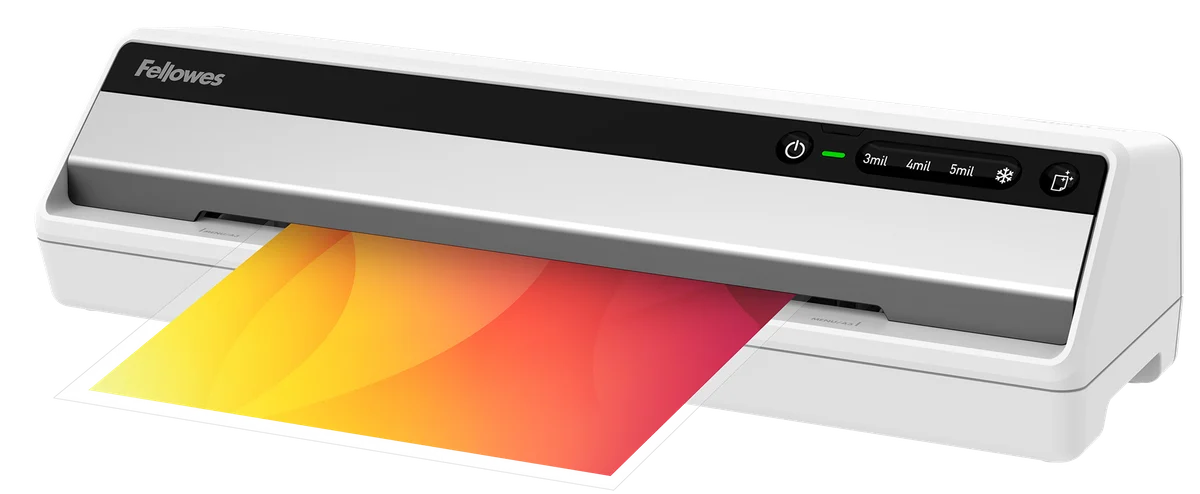
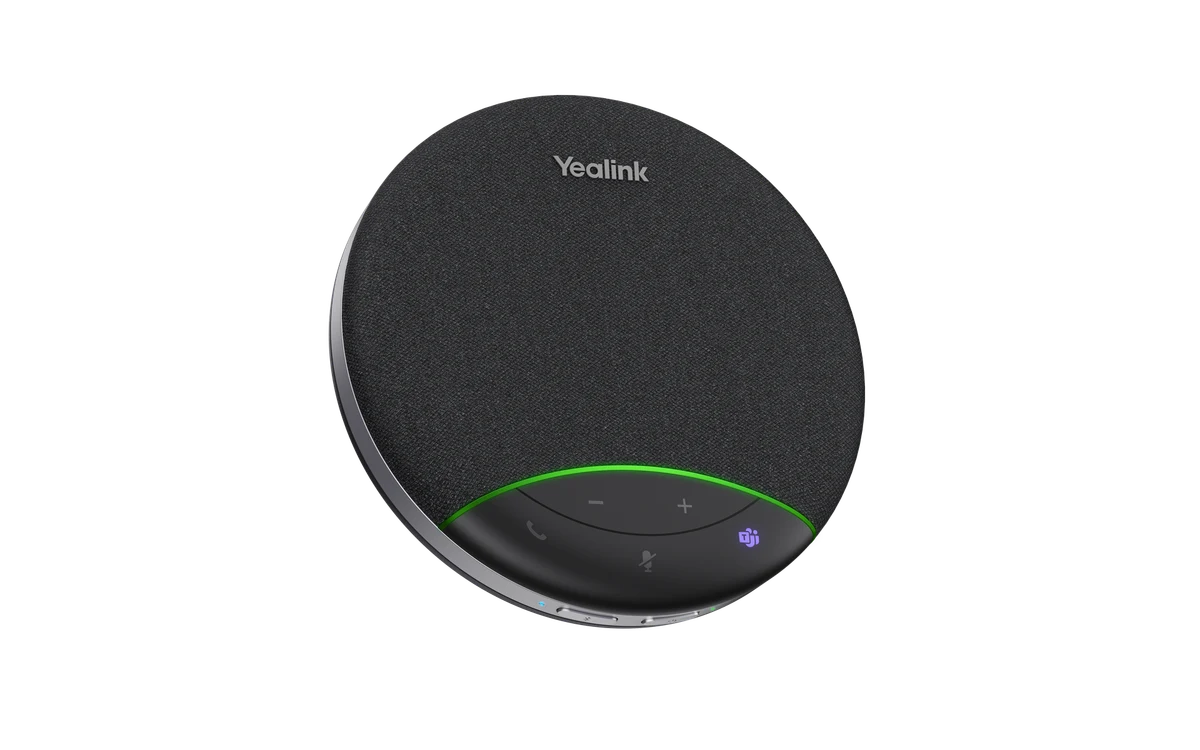
Try room lighting before adding more light directly over glossy paper. For reusable activities, our laminator comparison explains pouch and page-size choices, but a laminated sheet may need a different light angle than ordinary paper. If the task is saving stacks of paperwork rather than showing live work, a document scanner solves a different problem. For lessons where everyone around the table must be heard, compare the microphone arrangement with our conference speakerphone guide.
A phone on a suitable overhead stand may already handle occasional demonstrations. Buy a dedicated camera when repeated setup, computer connection or consistent working space is the inconvenience you actually need to remove.
Who Should Buy What
- USB lessons and ordinary worksheets: start with the INS-2.
- A folding setup that travels: consider the OKIOCAM T-4K, after resolving large-page requirements.
- Frequent changes of camera angle: look at the Fancy S Pro.
- An existing IPEVO computer workflow: the V4K ULTRA keeps that familiar setup.
- A projector without a computer: the VZ-R ULTRA is the HDMI option here.
FAQ
Do I need 4K for online teaching?
Not necessarily. Full-page text can benefit from detail, but a video-call service may reduce the feed. A faster 1080p mode can be a better starting point for moving hands. Check the receiving picture with your actual worksheet instead of selecting a camera by sensor resolution alone.
Can a USB document camera plug straight into a television?
Not through an ordinary television USB port. These USB cameras normally need a supported computer or tablet that can receive their camera feed. The VZ-R ULTRA has a separate HDMI video output for direct display use, with power still required.
Is a document camera the same as a scanner?
No. A document camera’s main advantage is showing physical work as it happens. Software may also save images or extract text, but that doesn’t make the camera an automatic feeder for a stack of documents. Choose around live demonstration versus document capture.
Will it work on a school-managed Chromebook?
Check both camera access and the software you need with the school’s administrator. Basic camera input, an extension and a desktop annotation program are not interchangeable. The camera may connect while installation or access to a particular teaching feature remains restricted.
Bottom Line
For most computer-based lessons, the INSWAN INS-2 puts the useful capabilities close to the bottom of the price range. Spend more when the connection or working area changes the job, especially when HDMI lets you leave the laptop out altogether. The goal is simple: keep the work visible while your hands are busy doing it.
This article contains affiliate links. PicksLab may earn a small commission at no extra cost to you. Our recommendations are based on the review method described in this article.