Affiliate disclosure: PicksLab earns commissions on qualifying Amazon purchases via the pickslab-20 tag, at no extra cost to you.
TL;DR — Our top pick: CalDigit TS4 (B09GK8LBWS) — 18 ports, 98W charging, three downstream Thunderbolt 4 ports, and the most consistent driver-free experience on macOS and Windows.
A Thunderbolt 4 dock turns one cable into your entire desk: two 4K monitors, gigabit ethernet, fast SD, full laptop charging, and enough USB ports for every peripheral you own. The category is small but expensive, so the goal of this guide is to keep you from spending $300+ on the wrong box.
| Pick | Best For | Ports | Charging | Price Tier |
|---|---|---|---|---|
| CalDigit TS4 | Best overall | 18 | 98W | $$$ |
| Kensington SD5700T | Best value | 11 | 90W | $$ |
| Plugable TBT4-UDZ | Best for triple-display Windows | 16 | 96W | $$ |
| Anker 778 (Apex+) | Best for travel | 12 | 90W | $$ |
| OWC Thunderbolt Go | Best portable with built-in PSU | 11 | 90W | $$ |
1. CalDigit TS4
The TS4 is the dock most professional reviewers and IT departments converge on, and the reason is unglamorous: it just works. Plug a single Thunderbolt 4 cable into a MacBook Pro or a TB4-equipped Windows laptop and you get 98W of charging, two downstream Thunderbolt 4 ports for daisy-chained displays or external SSDs, 2.5GbE, three USB-A 10Gbps, three USB-C 10Gbps, separate UHS-II SD and microSD slots, optical audio, and a 3.5mm jack — 18 ports total.
Build is solid aluminum with the laptop-charging port on the front, which sounds minor but eliminates the daily cable-shuffle every other dock requires. The TS4 supports two 4K@60Hz displays on Mac and either two 4K@60Hz or one 8K display on Windows. The catch is the price: it sits at the top of the category and is the heaviest dock here at 1.4 lbs, so it’s a desk-anchor, not a travel piece.
Skip it if you don’t need more than 6 peripherals plugged in at once. For a single monitor and a couple of accessories, the Kensington below saves real money.
2. Kensington SD5700T
Buy Kensington SD5700T on Amazon →
The SD5700T is the value pick: Thunderbolt 4 certified, 90W charging, dual 4K@60Hz on both Mac and Windows, and a clean port loadout (4 TB4, 4 USB-A, SD, audio, gigabit ethernet). It runs noticeably cooler than the CalDigit under sustained load — Kensington uses a heavier metal chassis as a passive heatsink — and the driver-free experience on macOS is identical to the TS4.
What you give up at this price: only 1GbE (not 2.5), no microSD, and front USB-C is missing. For most knowledge workers running one or two monitors plus a webcam, keyboard, and mouse, you won’t notice the missing ports. If you only need a single monitor and a cleaner setup, pair it with our laptop stand guide to free up real desk space.
3. Plugable TBT4-UDZ (16-in-1)
Buy Plugable TBT4-UDZ on Amazon →
The TBT4-UDZ is the right answer if you run Windows and want three external monitors from one cable. It exposes two HDMI 2.1 (up to 4K@60Hz each), two DisplayPort 1.4 (up to 4K@60Hz each), plus a downstream USB-C, letting you drive a triple-display Windows setup natively without DisplayLink. On Mac it’s dual-display like every other TB4 dock — that’s an Apple limitation, not Plugable’s.
96W power delivery handles 15” laptops without throttle, and the dock includes 2.5GbE, six USB-A, UHS-II SD, audio jack, and a Kensington lock slot. Plugable’s US-based driver support is the quiet differentiator versus generic Amazon-brand docks. Skip it if you’re MacBook-only — you’re paying for display flexibility you can’t use.
4. Anker 778 Thunderbolt Docking Station (Apex+)
The Anker 778 is the closest the category gets to portable. It’s smaller than the CalDigit, lighter, and uses a single brick instead of a built-in PSU, but it still hits 90W charging and Thunderbolt 4 spec with dual 4K@60Hz, 2.5GbE, an SD/microSD pair, two TB4 downstream, and four USB-A ports.
The dock’s headline feature is the headphone jack with its own DAC — actually useful if you’ve ever fought a buzzy onboard laptop audio output. Where the Anker falls short of the CalDigit is at sustained transfer loads; users report some thermal throttling on the front-panel USB-C under heavy SSD copies. For mixed-use office work it’s a great mid-tier choice.
5. OWC Thunderbolt Go Dock
Buy OWC Thunderbolt Go on Amazon →
The OWC Thunderbolt Go is the only dock here with a true built-in power supply — no separate brick at all. That means you carry one device and one cable to a hotel desk or coworking space instead of a dock plus a power adapter plus a laptop charger. It still delivers 90W to the laptop, dual 4K@60Hz output, gigabit ethernet, HDMI 2.0, SD, audio, and three USB-A ports.
Build is aluminum with a rubberized base, and the front-edge USB-C 10Gbps port is a thoughtful touch for plugging in fast SSDs on the fly. The compromise is port count: 11 vs the CalDigit’s 18. If your dock lives on a desk and never moves, the TS4 wins; if it travels weekly, the OWC’s all-in-one PSU is worth the trade. For more travel-tech picks, see our travel tech under $75 guide.
Who Should Buy What
- For uncompromising desktop workflows: CalDigit TS4 — most ports, most charging, most stable.
- For best value on a single monitor or two: Kensington SD5700T — same core experience at $100+ less.
- For Windows triple-display setups: Plugable TBT4-UDZ — the only sub-$300 dock with native triple-display Windows support.
- For mixed home/office use: Anker 778 — solid mid-tier with a real DAC.
- For frequent travelers: OWC Thunderbolt Go — the only one with a built-in PSU.
FAQ
Does Thunderbolt 4 work with USB-C laptops that aren’t Thunderbolt?
Partially. A TB4 dock will work with USB4 laptops at full TB4 speeds. With plain USB-C laptops you’ll get charging and a single display through the dock, but downstream Thunderbolt 4 ports and dual-4K won’t function — your host has to support Thunderbolt. If your laptop only has USB-C, save money with a USB-C hub instead of a TB4 dock.
Why is MacBook stuck at two displays even on a 16-port dock?
That’s a macOS limitation on the M1, M2, and base M3/M4 chips — Apple’s silicon caps external display count at one on the M1/M2/M3 base chips and two on Pro/Max/Ultra chips, regardless of how many ports the dock exposes. Pro/Max/Ultra MacBooks can drive two 4K displays from any of the docks in this guide. Windows laptops have no such cap.
Do I need an active or passive Thunderbolt cable?
For desk use under 1 meter, a passive cable that came with your dock is fine and runs full 40Gbps. For runs over 1m or to drive a 5K/6K display reliably, use an active Thunderbolt 4 cable rated for 40Gbps — the price difference is real but so is the reduction in dropouts.
Will any of these charge a 16” MacBook Pro M3 Max?
Yes for general use, no for sustained heavy load. The 16” MBP M3 Max ships with a 140W charger; docks here top out at 98W. You’ll keep the battery charged for office work, video calls, and IDE use, but render a 4K timeline at 100% CPU and the laptop will slowly drain. Use the original charger for sustained creative workloads.
Are dock firmware updates a hassle?
On Windows yes, on Mac usually no. CalDigit, Kensington, Plugable, and OWC all ship Windows updater utilities; macOS handles firmware silently. The Anker 778 is the most “set and forget” of the group — almost no users report needing firmware updates after initial setup.
Bottom Line
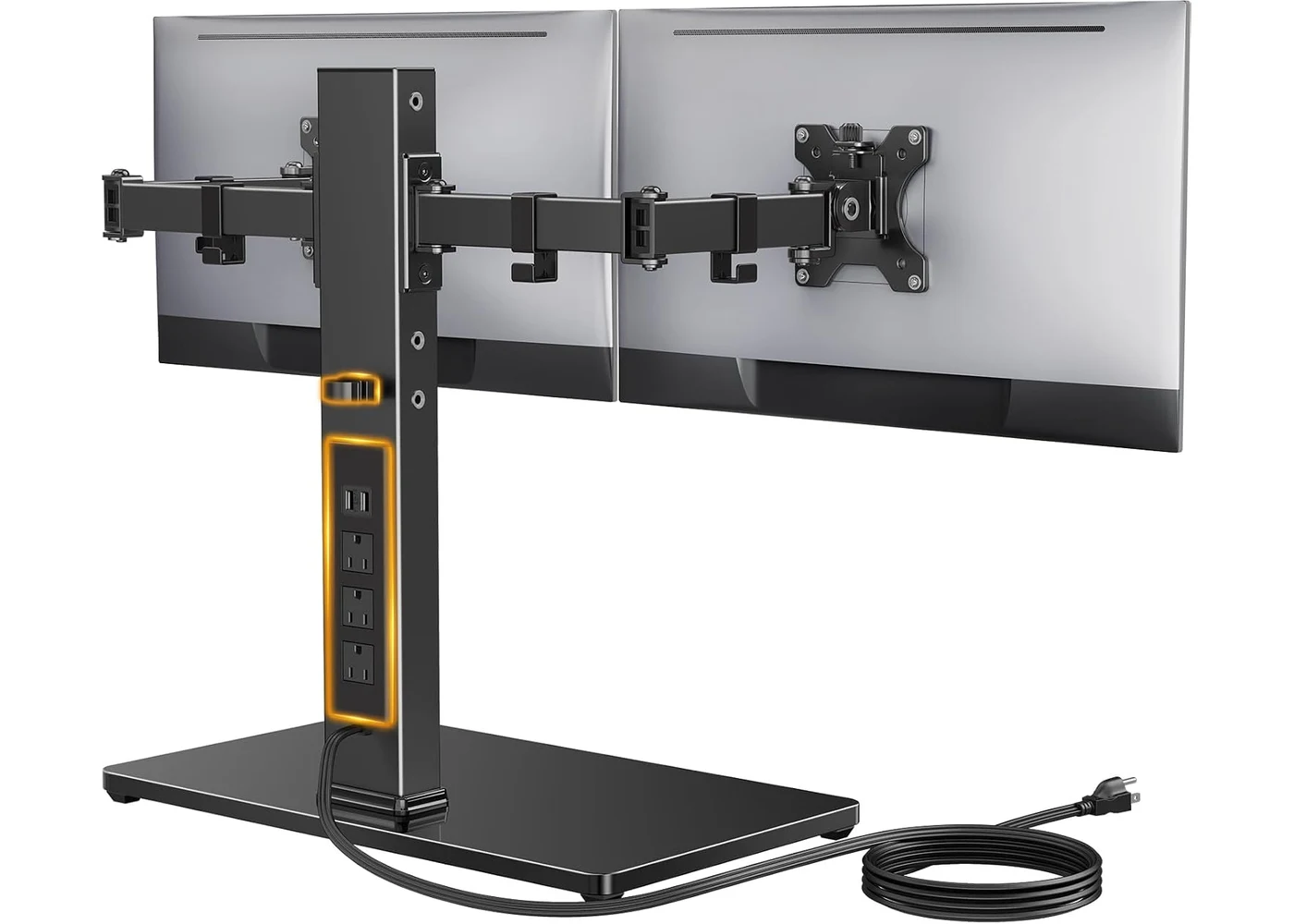
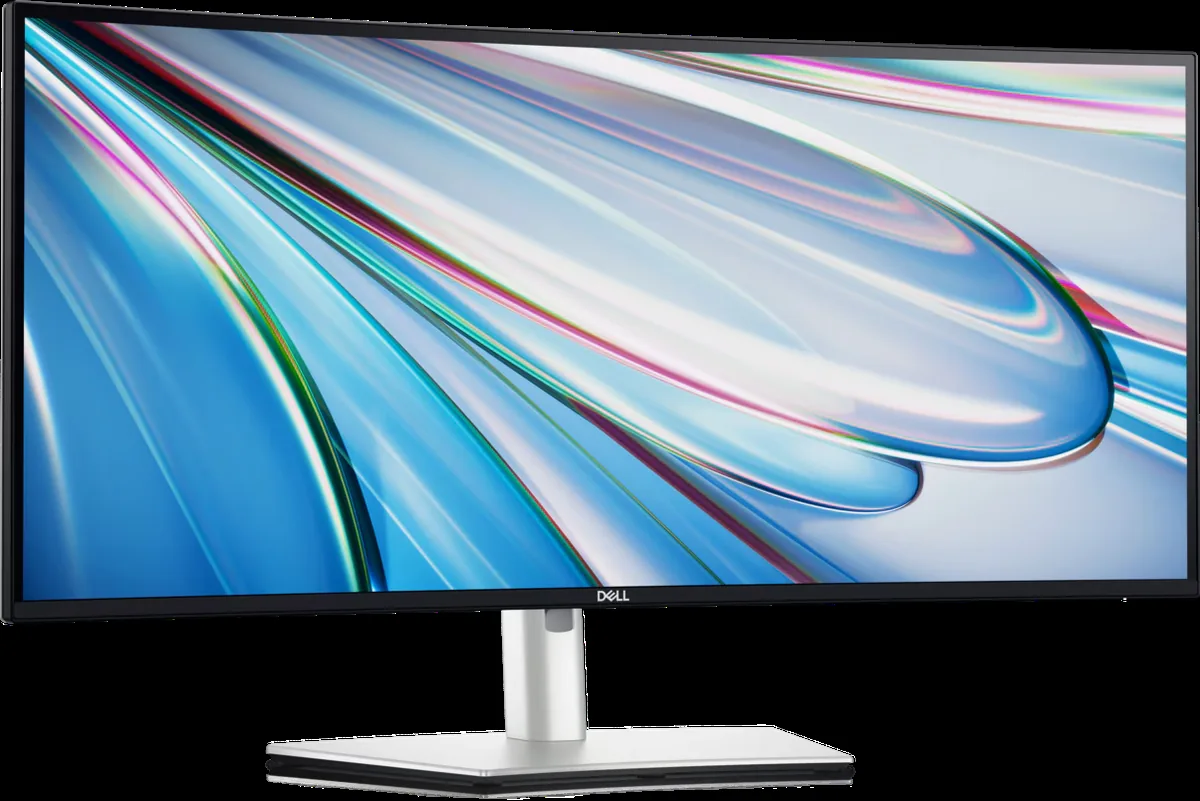
The CalDigit TS4 (B09GK8LBWS) is the best Thunderbolt 4 dock you can buy in 2026 because it offers more ports, more charging, and more thermal headroom than any competitor while remaining genuinely driver-free on macOS. If the price stings, the Kensington SD5700T gets you 90% of the experience for noticeably less. Finish the setup with a monitor arm, or compare ultrawide productivity monitors that can provide charging and hub ports without a separate dock.