Affiliate disclosure: PicksLab earns commissions on qualifying Amazon purchases via the pickslab-20 tag, at no extra cost to you.
Want the same lamps to light the room while you’re working, then dim to a warm glow when you sit down for a movie? Smart bulbs let you change brightness, white tone and color without replacing the lamps. You can schedule them or group several together instead of walking around the room adjusting each one.
The catch is that “smart” doesn’t mean the same thing on every box. Some bulbs connect straight to Wi-Fi. Others make more sense with a separate bridge. A bulb that works in Apple Home may still need its own app for animated scenes, and none can answer a command after somebody cuts its power at the wall.
TL;DR - Our top pick: The Tapo L535E two-pack is our starting point for two ordinary lamps: 1,100-lumen rated white output, adjustable whites and color, and Matter over Wi-Fi without a proprietary lighting bridge. The Govee H6006 four-pack costs less per bulb when you have more sockets to fill. Buy Hue for a specific Hue setup, not because spending more automatically makes a bulb better for your room.
Prices: Count the Bulbs, Not Just the Box
New-offer prices checked October 17, 2026, before tax. WiZ, Tapo, Cync and Hue were sold and shipped by Amazon; Govee was sold by Govee US and shipped by Amazon. Cync and Hue showed free standard delivery. The lower-priced WiZ, Tapo and Govee packages showed free delivery with an eligible Amazon-shipped order over $35 or Prime; a standalone non-Prime shipping charge wasn’t established. No used, Subscribe & Save, credit-card or multi-item promotional price is included.
| Product | Price checked October 17, 2026 | Calculated cost per bulb | Main reason to buy |
|---|---|---|---|
| WiZ Full Color A19, one bulb | $13.58 | $13.58 | Try color and schedules in one lamp |
| Tapo L535E, two bulbs | $24.99 | $12.50 | Brighter rated white output for a pair of lamps |
| Govee H6006, four bulbs | $33.99 | $8.50 | Lower cost per socket and Govee scenes |
| GE Cync Dynamic Effects A19, two bulbs | $44.72 | $22.36 | Several color segments within one bulb |
| Philips Hue Chromasync A19 810 lm, three bulbs | $96.76 | $32.25 | Hue integration and very low specified dimming |
Per-bulb costs are our package-price arithmetic, rounded to cents, not separately purchasable offers. The Hue selection is the three-pack, despite an inconsistent per-count label on Amazon. It does not include a Hue Bridge. Recheck the selected pack, seller and price before buying.
For four lamps, the checked Govee package costs $33.99, two Tapo packs cost $49.98, four WiZ singles cost $54.32, and two Cync packs cost $89.44, before any shipping or tax. That comparison changes the decision more than calling every bulb “budget” or “premium.” Hue’s three-pack doesn’t fill four sockets, and its bridge may add another purchase.
What Actually Changes Between These Bulbs?
Rated lumen figures describe white-light output under manufacturer conditions, not equally bright red, blue or purple light. A higher number isn’t a measured color-quality win. All five selected products use an A19 shape with an E26 screw base; check the lamp’s physical clearance and fixture restrictions too.
| Product | Rated white output | Adjustable white range | Connection and wider-platform control | Feature to investigate in its own app |
|---|---|---|---|---|
| WiZ Full Color | 800 lm | 2200-6500 K | 2.4 GHz Wi-Fi; Matter through a compatible controller | Saved modes, schedules and SpaceSense with compatible additional lights |
| Tapo L535E | 1100 lm | 2500-6500 K | 2.4 GHz Wi-Fi; Matter | Tapo setup, schedules and firmware |
| Govee H6006 | 1000 lm | 2700-6500 K | 2.4 GHz Wi-Fi and Bluetooth; current selected Matter version | Govee scenes and music effects |
| Cync Dynamic Effects | 800 lm | 2000-7000 K | 2.4 GHz Wi-Fi and Bluetooth; Alexa and Google integration | Four-quadrant color control and music/light shows |
| Hue Chromasync 810 | 810 lm at 4000 K | 1000-20000 K | This model: Bluetooth and Zigbee; Hue Bridge provides Matter integration | Hue scenes and dimming specified down to 0.2% |
These are exact-model distinctions. Don’t transfer a Matter logo from another Cync bulb or a different Hue generation to the package you’re buying. Philips now documents other directly Matter-enabled bulbs, but the linked Chromasync model’s own specification lists Bluetooth and Zigbee.
Trace the Controls Before You Buy
Think of the setup as three separate connections: wall power to the bulb, bulb to its network, and your chosen app or controller to that network. A failure at the first step can’t be fixed by changing voice assistants.
- Start with the lamp. Use a suitable on/off-powered fixture and leave power on for smart control. A conventional dimmer isn’t a smart-bulb remote, even at its maximum setting. Check explicit compatibility before using any dimming fixture; the H6006 instructions specifically exclude dimmer switches.
- Decide which app you want to use. Tapo, WiZ and Govee’s selected Matter bulbs connect over Wi-Fi. A compatible Matter controller is required for the third-party ecosystem route, but these aren’t Thread bulbs that need a Thread border router just to connect. Their own apps provide another control route.
- Keep the feature you bought accessible. Basic power, brightness and color control through an ecosystem doesn’t establish support for the manufacturer’s animated scenes, segment effects or music sync. Use the brand app for those documented features.
- Plan a control everyone can reach. A compatible wireless button or lighting-system remote can change settings while the bulb remains powered. An ordinary wall switch, smart plug or phase-cut dimmer doesn’t become that remote merely by being smart itself.
For the selected Hue bulbs, the route is bulb over Zigbee to Hue Bridge, then Bridge to a supported Matter ecosystem. Philips explains the bridge integration; it isn’t “Matter over Thread with the Hue Bridge.” Budget for the bridge if that is the control path you want.
Our Matter hub guide helps separate controller roles. If you only want a lamp on a timer and don’t need color or dimming, a smart plug with an ordinary compatible lamp may be the simpler purchase.
1. WiZ Full Color A19
Buy WiZ Full Color A19 on Amazon ->
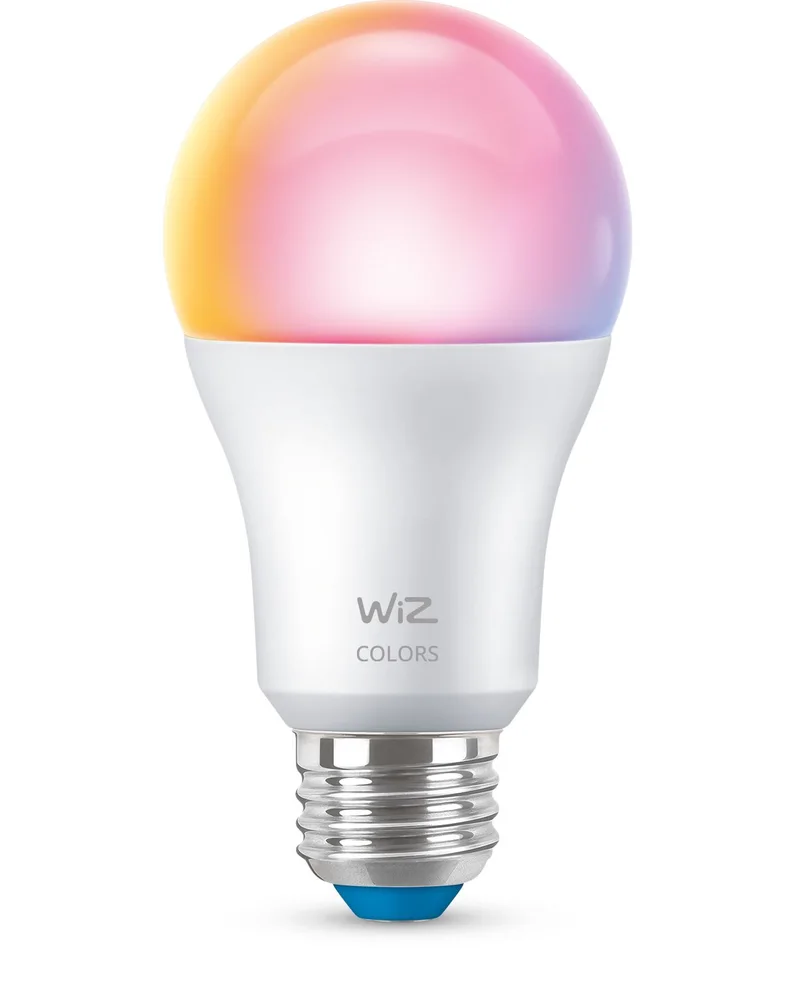 Image: WiZ / Signify.
Key specs: White output: 800 lm; White range: 2200-6500 K; Power: 8.8 W; Network: 2.4 GHz Wi-Fi; Base: E26.
WiZ is the straightforward one-lamp experiment when you don’t want to buy a multipack. At $13.58, you can give an existing reading lamp an evening mode and a schedule, using the WiZ app for iOS or Android. Its own app control doesn’t require a proprietary bridge; the Matter route needs a compatible controller and supported firmware.
The interesting extra is SpaceSense, which uses compatible WiZ lights for motion-triggered lighting. It requires at least two suitable lights in a room, so this single bulb isn’t a complete SpaceSense system. Skip it if you want the lowest four-lamp package cost. Govee’s checked pack is cheaper for that job, while Tapo specifies more white-light output.
2. Tapo L535E Two-Pack
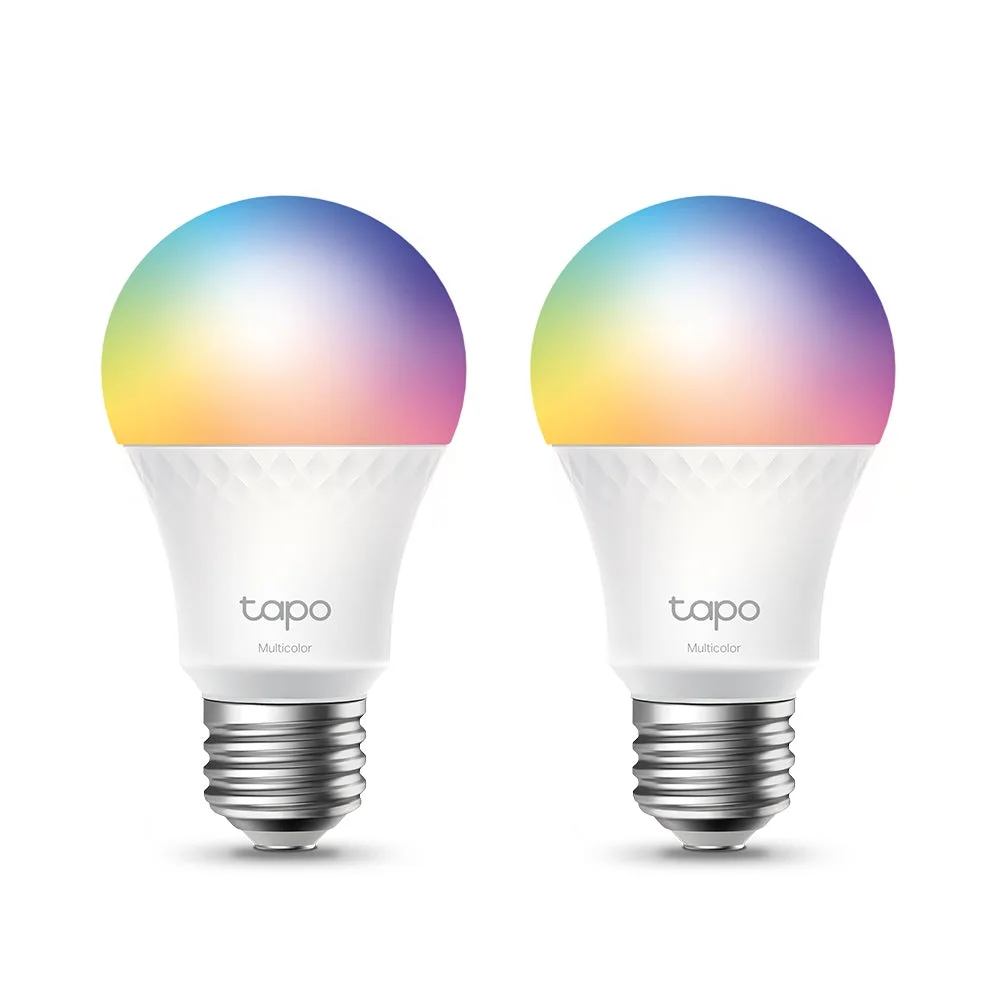 Image: TP-Link Tapo.
Key specs: White output: 1100 lm; White range: 2500-6500 K; Dimming range: 1-100%; Connectivity: Matter over 2.4 GHz Wi-Fi; Base: E26.
Tapo is our starting point for two lamps that need useful white light as well as evening color. The $24.99 two-pack gives you both without committing to four sockets. Its higher rated white output is a reason to consider it for reading or general lighting, not a promise that every saturated color will be brighter than the alternatives.
Use the Tapo app and official setup information for configuration and firmware. The app is available for iOS and Android; third-party Matter setup needs a compatible controller. Tapo documents local-network Matter control during an internet outage, which still assumes the local network and controller are working. Skip it if your main goal is several independently colored areas within one bulb; Cync’s segmented design addresses that different effect.
3. Govee H6006 Four-Pack
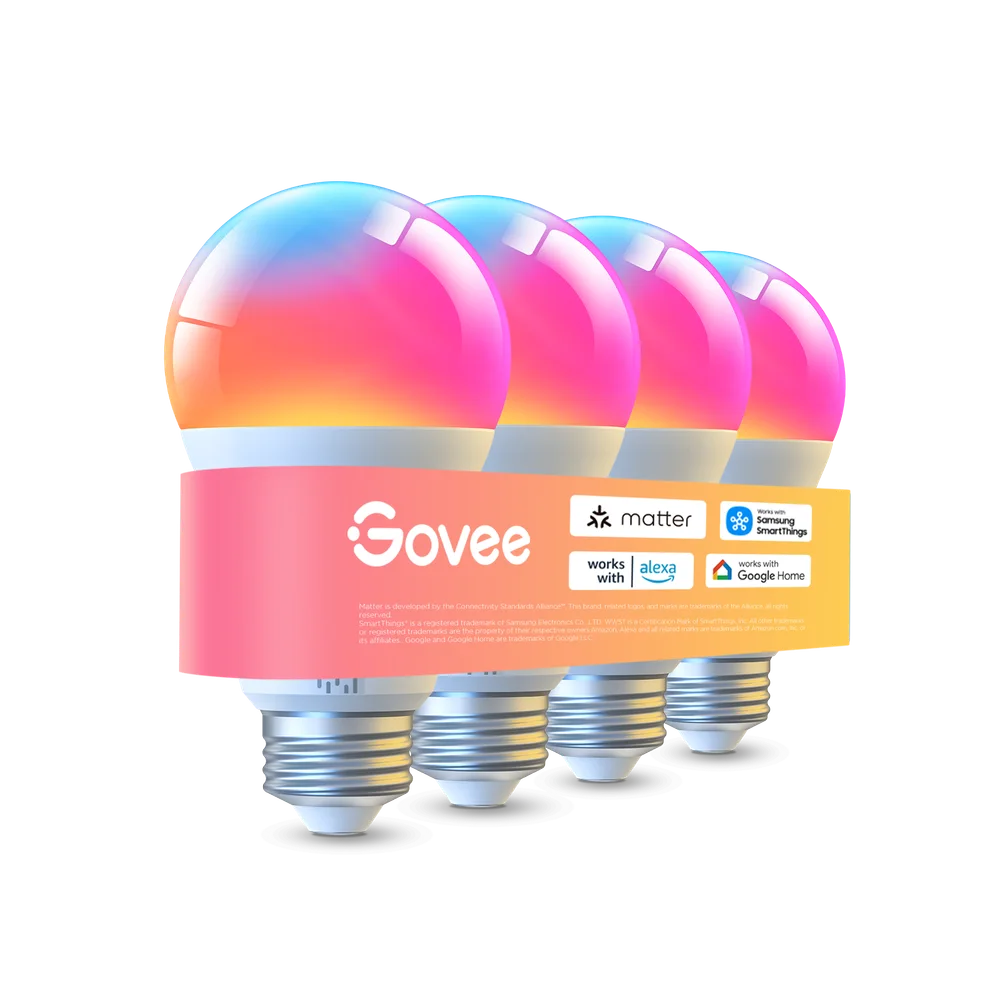 Image: Govee.
Key specs: White output: 1000 lm; White range: 2700-6500 K; Power: 9 W; Base: E26; Network: 2.4 GHz Wi-Fi and Bluetooth.
Govee is the value pick when you actually have four sockets to fill. The $33.99 package brings the calculated cost to about $8.50 per bulb. The current selected H6006 offer supports Matter, while Govee Home supplies its own scenes and music features on iOS or Android. Don’t assume every older Govee A19 listing is the same generation.
For a room with several lamps, those app effects may be more useful than paying for Hue’s bridge-based system. Keep the firmware current and use a compatible controller for Matter; the brand’s effects remain a Govee-app consideration, not a promised feature of every other app. Skip it if your fixture uses a conventional dimmer switch. Govee explicitly says these bulbs aren’t compatible with dimmers, and app dimming is the intended route.
4. GE Cync Dynamic Effects A19 Two-Pack
Buy Cync Dynamic Effects A19 on Amazon ->
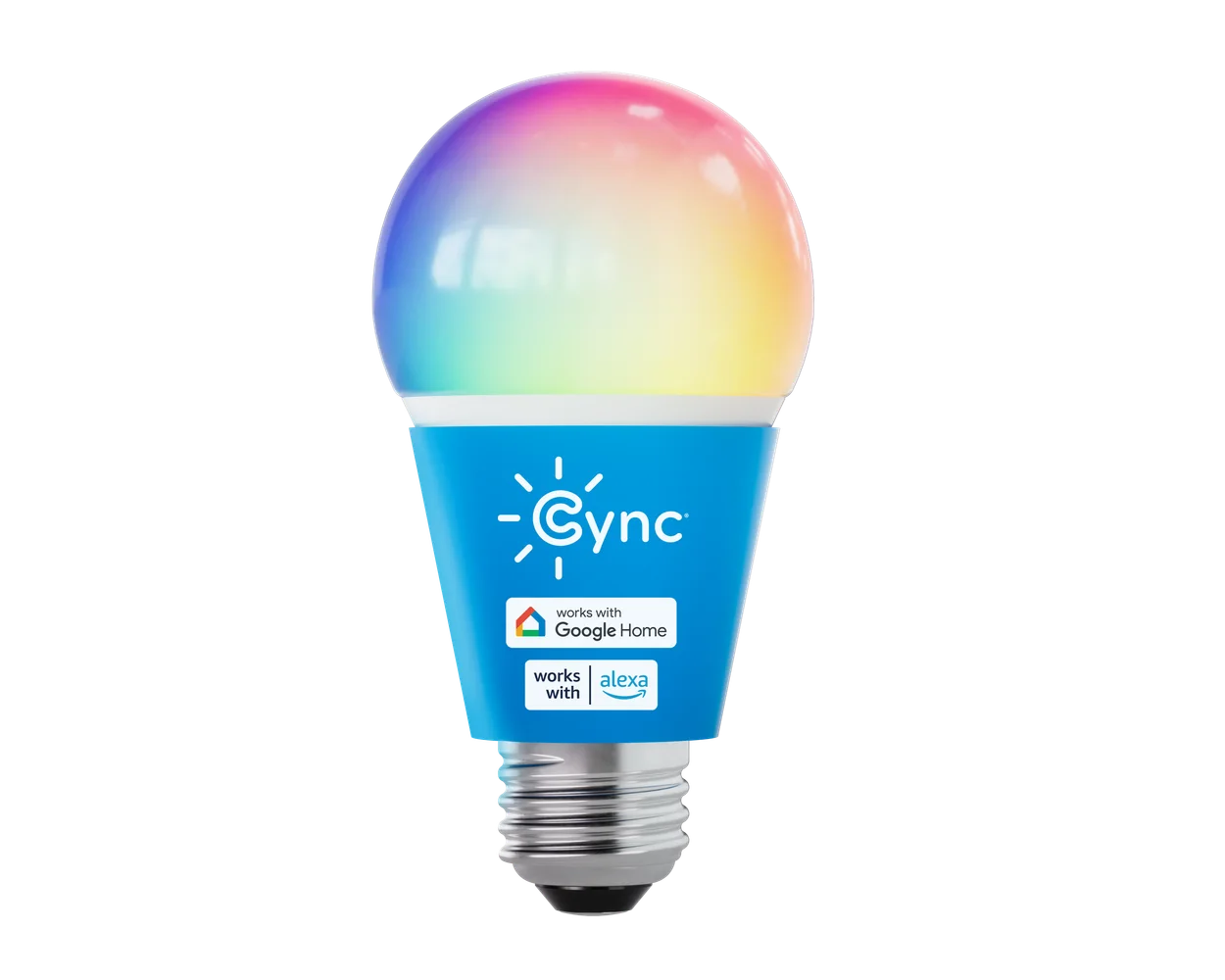 Image: GE Lighting / Cync. One bulb shown; the selected Amazon package contains two.
Key specs: White output: 800 lm; White range: 2000-7000 K; Power: 9.5 W; Base: E26; Network: 2.4 GHz Wi-Fi and Bluetooth.
Cync earns its place when the bulb itself will be part of the decoration. At $44.72 for two, it costs more than Tapo, but its four-quadrant color control is a different feature from making a whole bulb blue or red. An exposed or translucent fixture is more likely to show that effect than a heavy opaque shade.
Use the Cync app for light shows, segment control and setup. Current support lists iOS 16+ or Android 8+; this selected model connects through 2.4 GHz Wi-Fi and supports Alexa and Google integration. Follow the setup instructions, including the post-setup power cycle used to enable segment control. Skip it if Apple Home through Matter is a purchase requirement: the checked Dynamic Effects documentation doesn’t establish that support for this exact package.
5. Philips Hue Chromasync A19 810-Lumen Three-Pack
Buy Philips Hue Chromasync A19 on Amazon ->
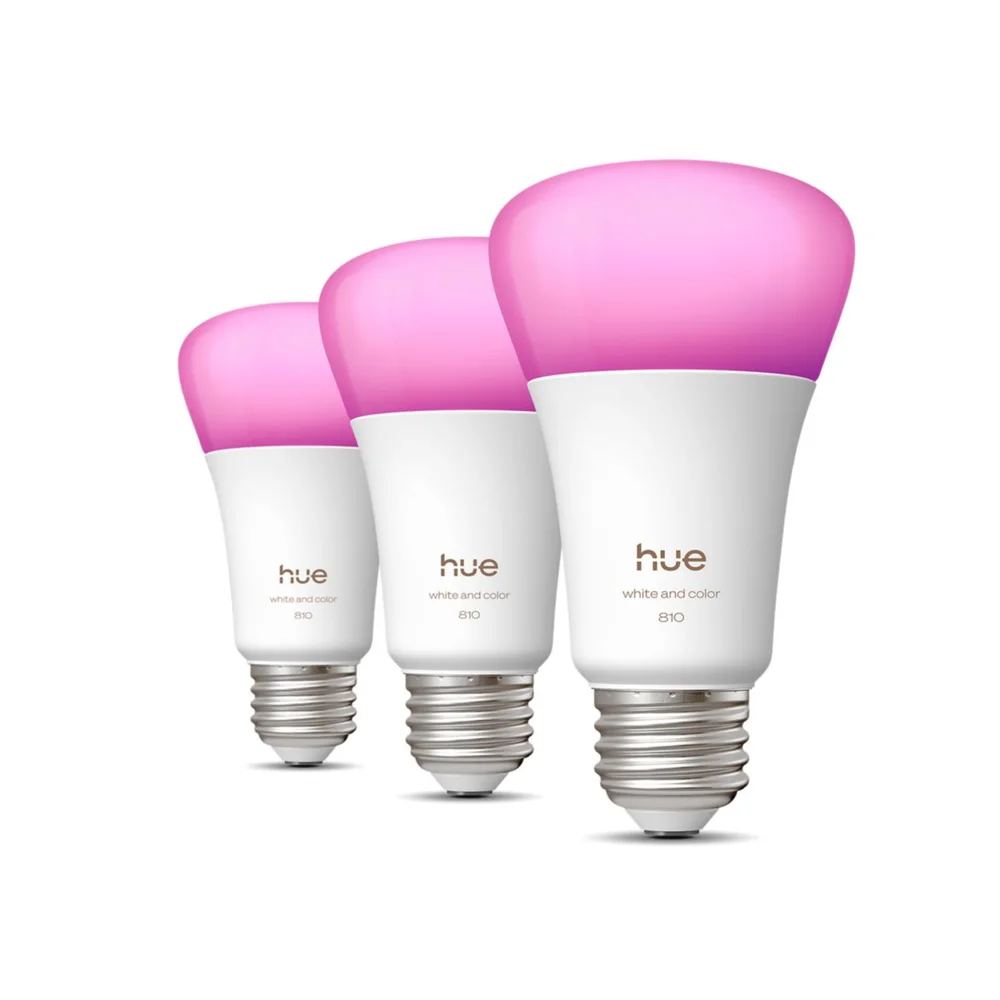 Image: Philips Hue / Signify.
Key specs: White output at 4000 K: 810 lm; White range: 1000-20000 K; Minimum specified dimming: 0.2%; Radio: Bluetooth and Zigbee; Base: E26.
Hue makes the most sense here as an expansion of a Hue system you intend to use. This $96.76 three-pack is the newer 810-lumen Chromasync model, not an older 800- or 1100-lumen pack. Its unusually wide specified white range and low dimming floor are the features to investigate if gentler late-night lighting matters to you.
The Hue app supports this model on Android 10+ and iOS 16+. The product’s specifications list a Hue Bridge for voice-assistant integration; bridge-based Matter is the documented route here. Skip it if you want the least expensive complete setup for a couple of lamps. The bridge isn’t in this box, and neither the price nor the Chromasync name establishes a tested color-accuracy or reliability advantage over the other picks.
Try One Room Before Replacing Every Bulb
Start with the sockets where changing the light would actually help. Set a useful white scene, a dim evening scene and a schedule. Then check what happens when somebody uses the physical switch, the internet connection drops, or another person tries to control the room. Fix the control arrangement before buying ten more bulbs.
For outdoor rooflines or weather-exposed installations, use products designed for that job; our permanent outdoor lighting guide covers systems rather than indoor A19 lamp replacements.
Who Should Buy What
- One lamp to start: WiZ Full Color, with no proprietary bridge for its app.
- Two lamps for reading and evenings: Tapo L535E, with higher rated white output.
- Four sockets and animated scenes: Govee H6006, provided the fixtures aren’t on dimmers.
- Several colors within an exposed bulb: Cync Dynamic Effects, using Cync’s app features.
- An existing or planned Hue system: Hue Chromasync, after accounting for the bridge and the three-bulb pack.
FAQ
Do smart bulbs work when the wall switch is off?
Not when the switch cuts their electrical power. Leave power on and turn the light off through the app or a compatible wireless control. A household that routinely switches lamps off physically needs a workable control plan, not just another automation.
Does Matter mean I need a Thread border router?
No. Matter can use different network transports. The selected WiZ, Tapo and Govee bulbs use Wi-Fi for their Matter connection; a compatible Matter controller serves the chosen ecosystem. The selected Hue bulbs use Zigbee to a Hue Bridge for the documented Matter route. Check the exact model rather than treating Matter and Thread as interchangeable words.
Can I use these on a normal dimmer?
Don’t assume so. Smart bulbs dim electronically through their supported controls and need an appropriate power supply. Govee explicitly excludes dimmer switches for the H6006. Check the exact bulb and fixture documentation before pairing any smart bulb with a dimming circuit; replacing a wall control can require an electrician.
Will a 1100-lumen bulb be that bright in every color?
No. Rated white output isn’t a promise of the same output in saturated colors. Compare the specified white figure for ordinary illumination, then consider color and animated effects as separate features. This comparison doesn’t substitute manufacturer lumen figures for measured color performance.
Bottom Line
For a pair of everyday lamps, start with the Tapo L535E two-pack. Govee is the lower-cost four-socket choice, Cync adds segmented effects, and Hue is worth evaluating when its particular controls and dimming range matter. Buy the setup that does the job, including any required controller, rather than the box with the longest list of logos.
This article contains affiliate links. PicksLab may earn a small commission at no extra cost to you. Our recommendations are based on the review method described in this article.