Affiliate disclosure: PicksLab earns commissions on qualifying Amazon purchases via the pickslab-20 tag, at no extra cost to you.
Your guest’s flight is late, the cleaner has gone home, and you don’t want to drive over just to hand someone a key. A smart lock can make that arrival much simpler: send a code, explain how to use it, and let the guest get inside.
The important difference is who manages that code. Some locks connect to Airbnb and automatically assign access around a reservation. Others let you schedule codes in the manufacturer’s app, but you still have to keep those schedules aligned with bookings. Both can work. They aren’t the same amount of work when a stay changes or you have several properties.
TL;DR - Our top pick: The Schlage Encode combines a touchscreen, built-in Wi-Fi and supported direct Airbnb integration in one deadbolt. For a compatible door where you want to keep the existing key, the August Wi-Fi bundle with a Yale Keypad was considerably cheaper at our price check.
Prices and the Exact Bundles
Prices checked October 20, 2026, for new US offers with an active purchase path, lowest first. These are ordinary purchase prices, not Prime-only deals. Tax, shipping, seller and available finishes can change.
| Product | Price checked | What you get | Main reason to consider it |
|---|---|---|---|
| August Wi-Fi + Yale Keypad, black | $109.00 | Retrofit lock and non-fingerprint keypad, SKU AUG-SL05-K04-G01 | Keep the existing key and add supported Airbnb code automation |
| ULTRALOQ U-Bolt Pro WiFi with door sensor | $169.99 | Replacement deadbolt, buttons, fingerprint reader and door sensor | Owner fingerprint access alongside manually scheduled guest codes |
| Kwikset Halo Touchscreen, matte black | $179.00 | Touchscreen deadbolt with SmartKey cylinder | Manage many codes and retain compatible Kwikset keying |
| Yale Approach + Keypad Touch, black suede | $191.35 | Retrofit lock, fingerprint keypad and Connect Wi-Fi bridge | Keep the outside hardware, with fingerprint entry for regular users |
| Schlage Encode Century, matte black | $229.00 | Wi-Fi touchscreen deadbolt with physical key backup | Supported Airbnb integration without a separate keypad or bridge |
The August offer was sold by Onkata and shipped by Amazon; ULTRALOQ by U-TEC Direct and shipped by Amazon. Kwikset and Schlage were sold and shipped by Amazon. The Yale offer was sold and shipped by SwagSells LLC; its checked price included an automatically applied $3.63 discount. ULTRALOQ also displayed a $129.99 Prime offer, which is not the regular price used above.
Automatic Reservation Codes or Manual Scheduling?
Airbnb’s supported-lock list is the deciding source here, not a generic “works with Airbnb” claim on a product listing. Its direct connection is available for eligible US and Canadian listings. Follow the account, app and firmware requirements; properties already connected through management software need to check their existing integration.
| Product | Direct Airbnb connection documented for this setup? | Remote-management hardware | Keep the existing outside key cylinder? |
|---|---|---|---|
| August Wi-Fi + Yale Keypad | Yes, with a supported keypad | Wi-Fi built into the lock | Yes, on a compatible deadbolt |
| ULTRALOQ U-Bolt Pro WiFi | Not on Airbnb’s current direct-support list; plan manual scheduling | Built-in 2.4 GHz Wi-Fi | No |
| Kwikset Halo Touchscreen | Not on Airbnb’s current direct-support list; plan manual scheduling | Built-in Wi-Fi | No; SmartKey can match compatible keys |
| Yale Approach + Keypad Touch | Yes, with the included keypad and Wi-Fi bridge | Separate Connect bridge needs a nearby outlet | Yes, on a compatible deadbolt |
| Schlage Encode | Yes | Built-in 2.4 GHz Wi-Fi | No |
Airbnb can create reservation-specific codes and share entry instructions for supported connected locks. That doesn’t mean every Wi-Fi lock has this feature, or that the same connection manages Vrbo bookings. Nor does an Apple Home feature automatically give every arriving guest a phone-based key. For a rental, an ordinary keypad code is often the simplest common denominator.
1. August Wi-Fi Smart Lock + Yale Keypad
Buy August Wi-Fi + Yale Keypad on Amazon ->
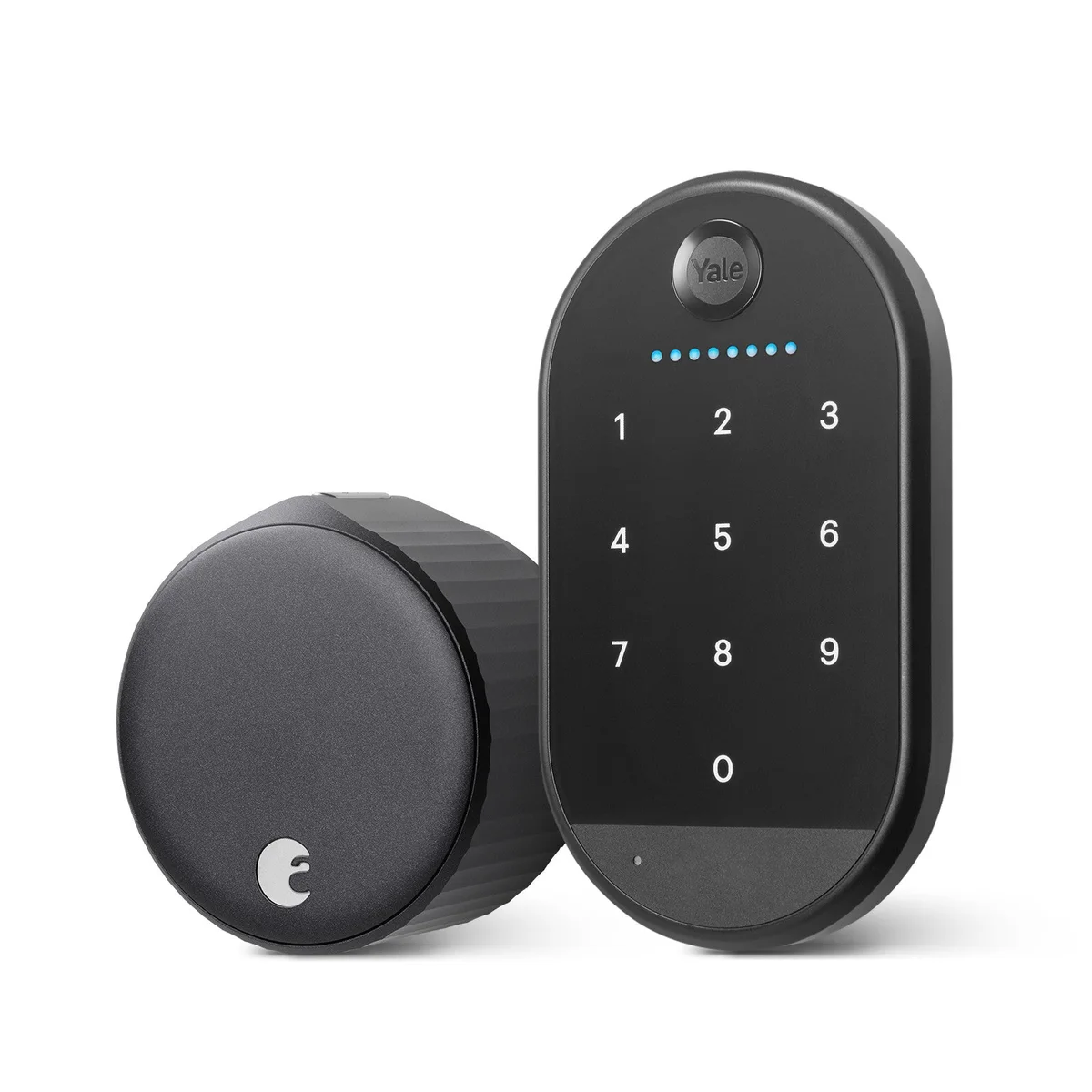 Image: Yale’s exact August and keypad bundle.
Key specs: Bundle SKU: AUG-SL05-K04-G01; Installation: interior retrofit for compatible existing deadbolts; Remote connection: built-in Wi-Fi; Lock batteries: two CR123 cells; Guest entry: separate numeric keypad.
At $109.00, this bundle is the most interesting value here for a suitable existing door. The motor replaces the inside thumb turn while the outside key cylinder stays in place. That matters if a cleaner already has a key or you need to retain approved exterior hardware. Check the manufacturer’s compatibility information before treating retrofit as universal.
The included keypad is essential to the rental use case. A guest can type a code without installing an app. This selected black bundle is the ordinary Yale Keypad, not Keypad Touch: Yale identifies the exact SKU on its bundle page. Don’t let wording shared across Amazon variations persuade you that it includes a fingerprint reader.
Yale’s current instructions for this bundle use the Yale Access app, linked from that product page, to manage the lock and scheduled access. Connect the supported setup to Airbnb separately to automate reservation codes. Skip this bundle if the existing deadbolt is incompatible or you want a single integrated exterior keypad rather than a second device mounted beside the door.
2. ULTRALOQ U-Bolt Pro WiFi
Buy ULTRALOQ U-Bolt Pro WiFi on Amazon ->
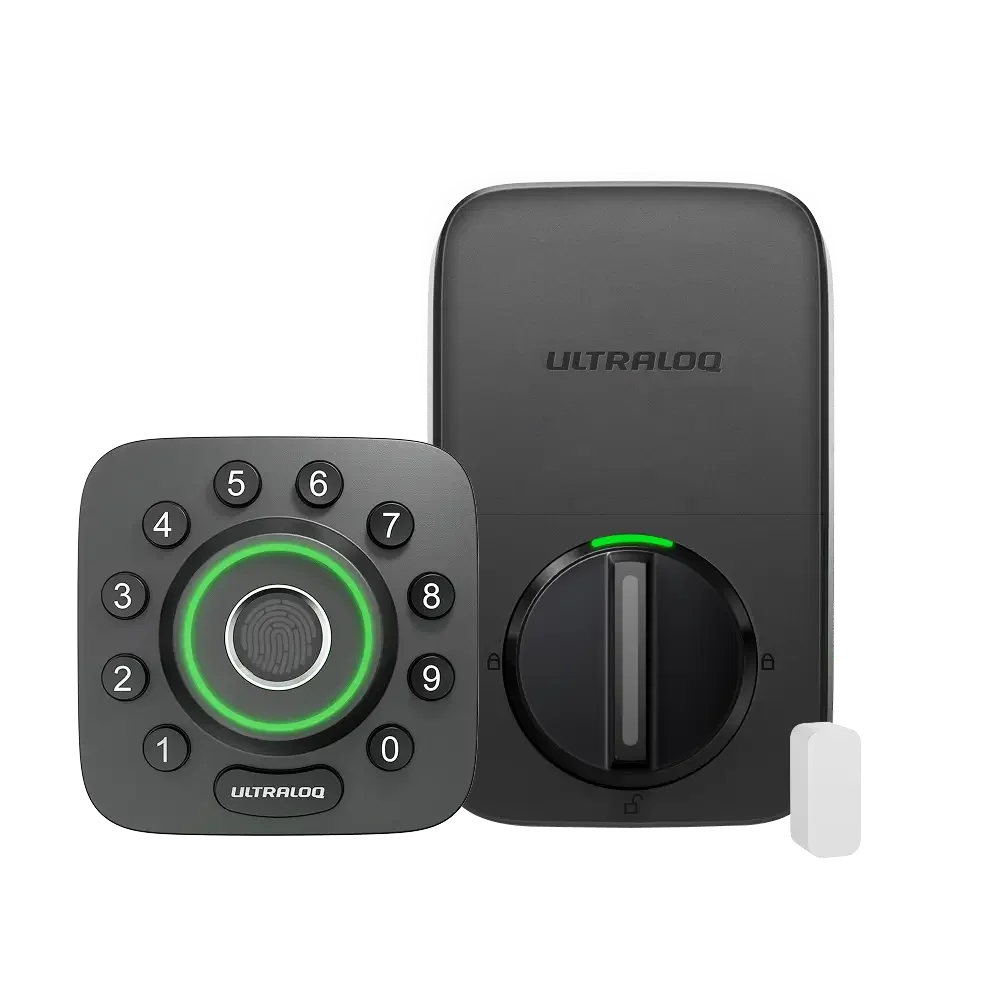 Image: ULTRALOQ U-Bolt Pro series.
Key specs: Connection: built-in 2.4 GHz Wi-Fi; Code capacity: 50 codes; Fingerprint capacity: 100 fingerprints, up to two per user; Batteries: four AA; Emergency options: mechanical key and Micro-USB backup power.
The $169.99 regular offer buys a replacement deadbolt with physical number buttons and a fingerprint reader. Fingerprint entry makes more sense for you or a regular cleaner than for a guest staying two nights. Guests can use their own scheduled codes without enrolling a finger.
The included door sensor is also useful: a locked bolt and a closed door are different things. Follow the sensor’s installation instructions rather than assuming an app’s lock state proves the door is shut. The official WiFi model documentation and app links distinguish this version from bridge-dependent and Z-Wave models sold under similar names.
Its limitation for this particular guide is booking automation. It isn’t on Airbnb’s current list of directly supported locks, so budget time to create and change guest schedules in the U-tec app. Skip it if automatic Airbnb reservation codes are the main reason you’re buying. The Micro-USB connection is emergency power, not a reason to charge ordinary AA batteries inside the lock.
3. Kwikset Halo Touchscreen
Buy Kwikset Halo Touchscreen on Amazon ->
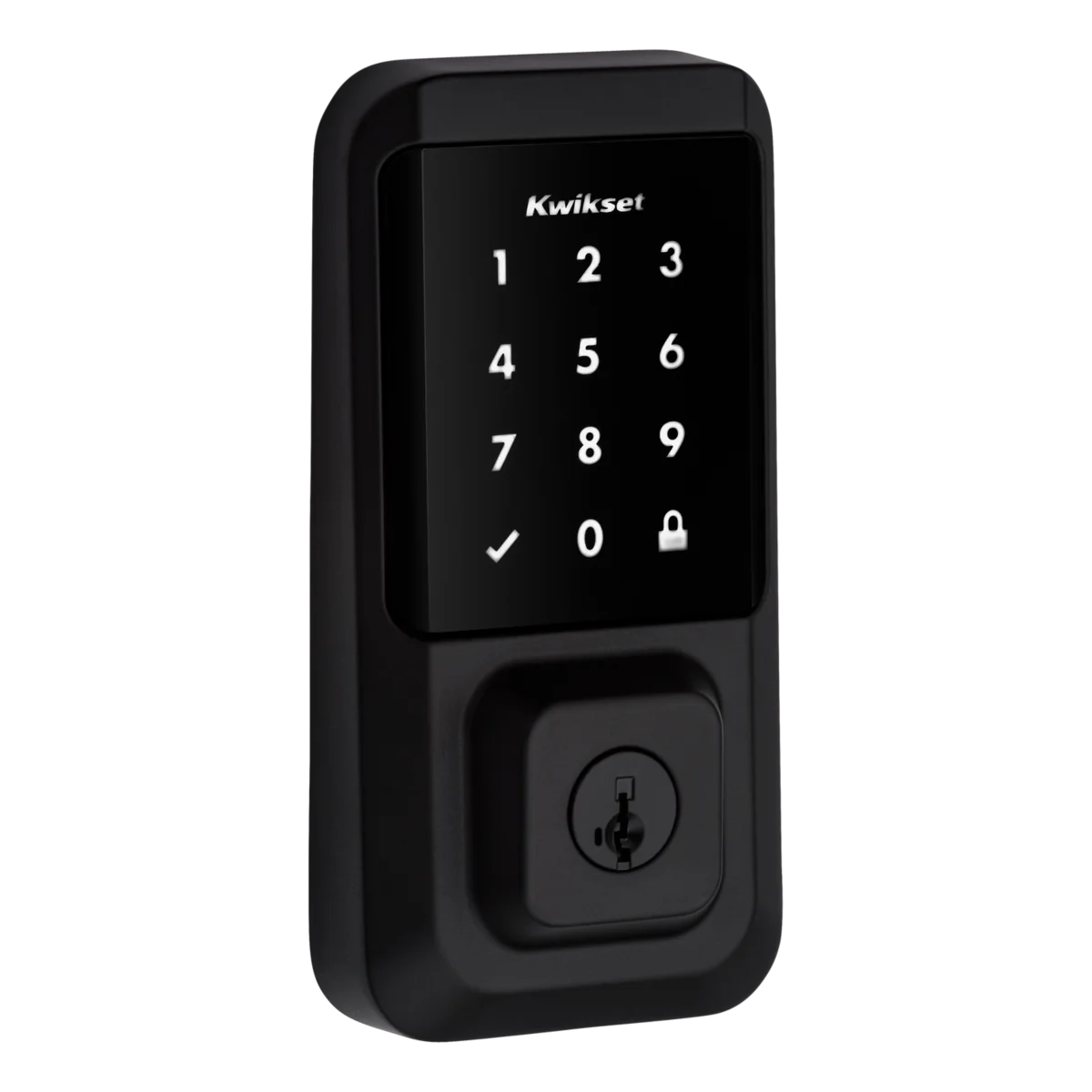 Image: Kwikset Halo Touchscreen.
Key specs: Guest entry: touchscreen keypad; Code capacity: 250 user codes; Batteries: four AA; Remote connection: built-in Wi-Fi without a hub; Key cylinder: SmartKey Security.
At $179.00, Halo Touchscreen fits a host who is comfortable managing schedules and already uses compatible Kwikset keys. SmartKey lets the cylinder be rekeyed to a compatible existing key following Kwikset’s procedure. That can reduce the number of keys your maintenance person carries, but check compatibility rather than assuming any brand’s key will fit.
This is Halo Touchscreen, not Halo Touch. The fingerprint-focused Halo Touch is a different product; substituting it would remove the keypad that makes app-free guest check-in possible. That distinction matters more for a rental than the similarity of the names.
Use the Kwikset app, available through the official product and setup page, for remote access and code management. Its large code allowance leaves room for separate guest, cleaner and maintenance access, but it doesn’t create an Airbnb integration. Skip it if your requirement is automatic booking-to-lock synchronization rather than scheduled codes you maintain yourself.
4. Yale Approach + Keypad Touch
Buy Yale Approach + Keypad Touch on Amazon ->
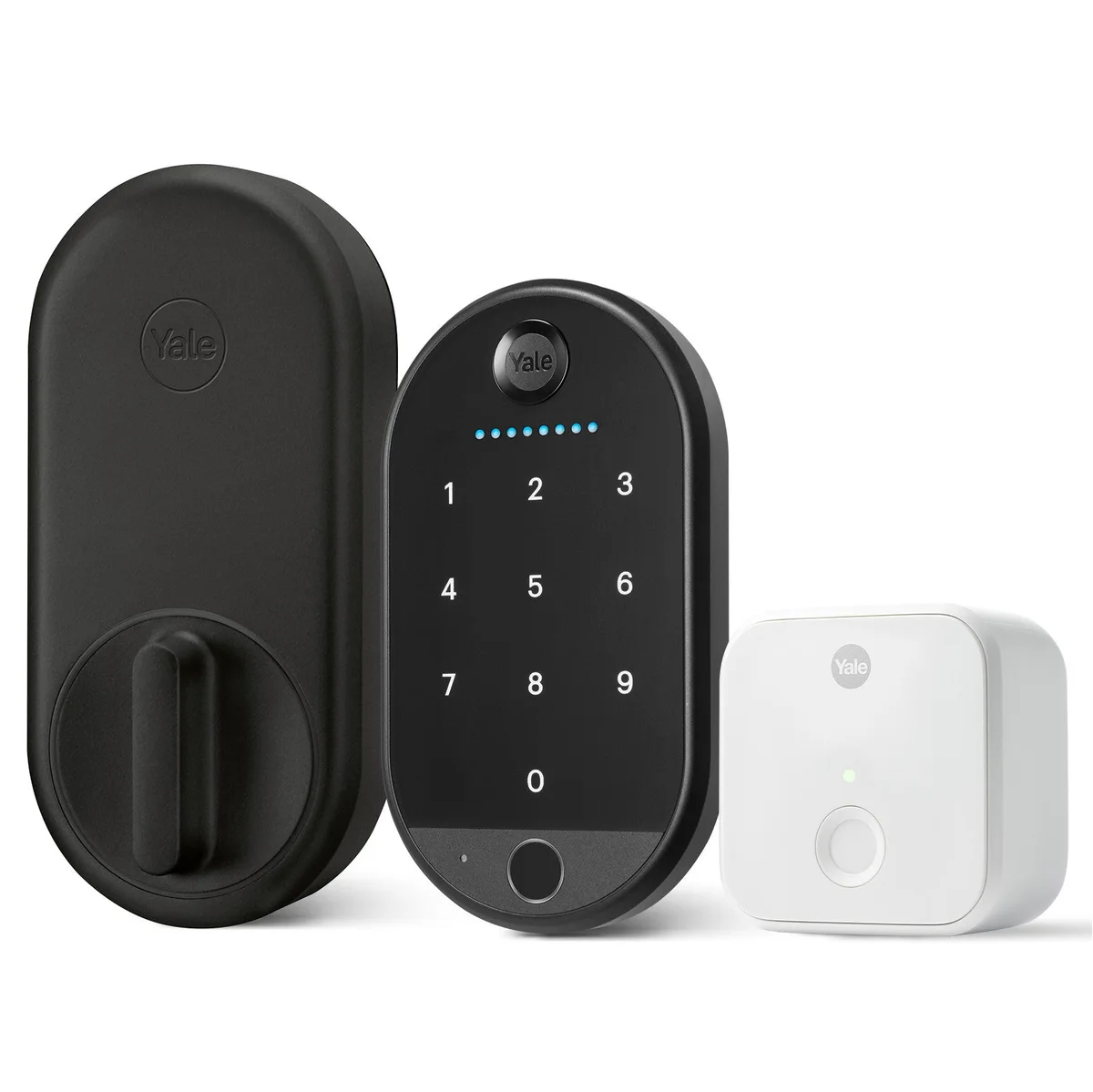 Image: Yale Approach with Wi-Fi and Keypad Touch.
Key specs: Installation: interior retrofit for compatible deadbolts; Lock batteries: four AA; Keypad Touch batteries: four AAA; Remote connection: included Connect Wi-Fi bridge; Keypad entry: numeric code or enrolled fingerprint.
The $191.35 black-suede bundle keeps the existing outside hardware, like August, but includes a fingerprint-capable keypad. A regular cleaner can use an enrolled fingerprint while short-stay guests receive codes. You don’t need to turn guest arrival into a biometric-registration appointment.
The extra hardware is the tradeoff. Approach uses a separate Connect bridge for Wi-Fi access, and Yale’s setup guidance calls for a suitable nearby outlet, ideally within 15 feet of the lock. Check that outlet and signal path before choosing it for a metal entryway or a door far from your router. The lock, keypad and bridge all have distinct jobs.
Use the Yale Access app linked from the Approach setup and product information, then complete Airbnb’s connection for the supported combination. Skip it if bridge placement is awkward, or if ordinary code entry already does everything you need and the cheaper August bundle fits your door.
5. Schlage Encode
Buy Schlage Encode on Amazon ->
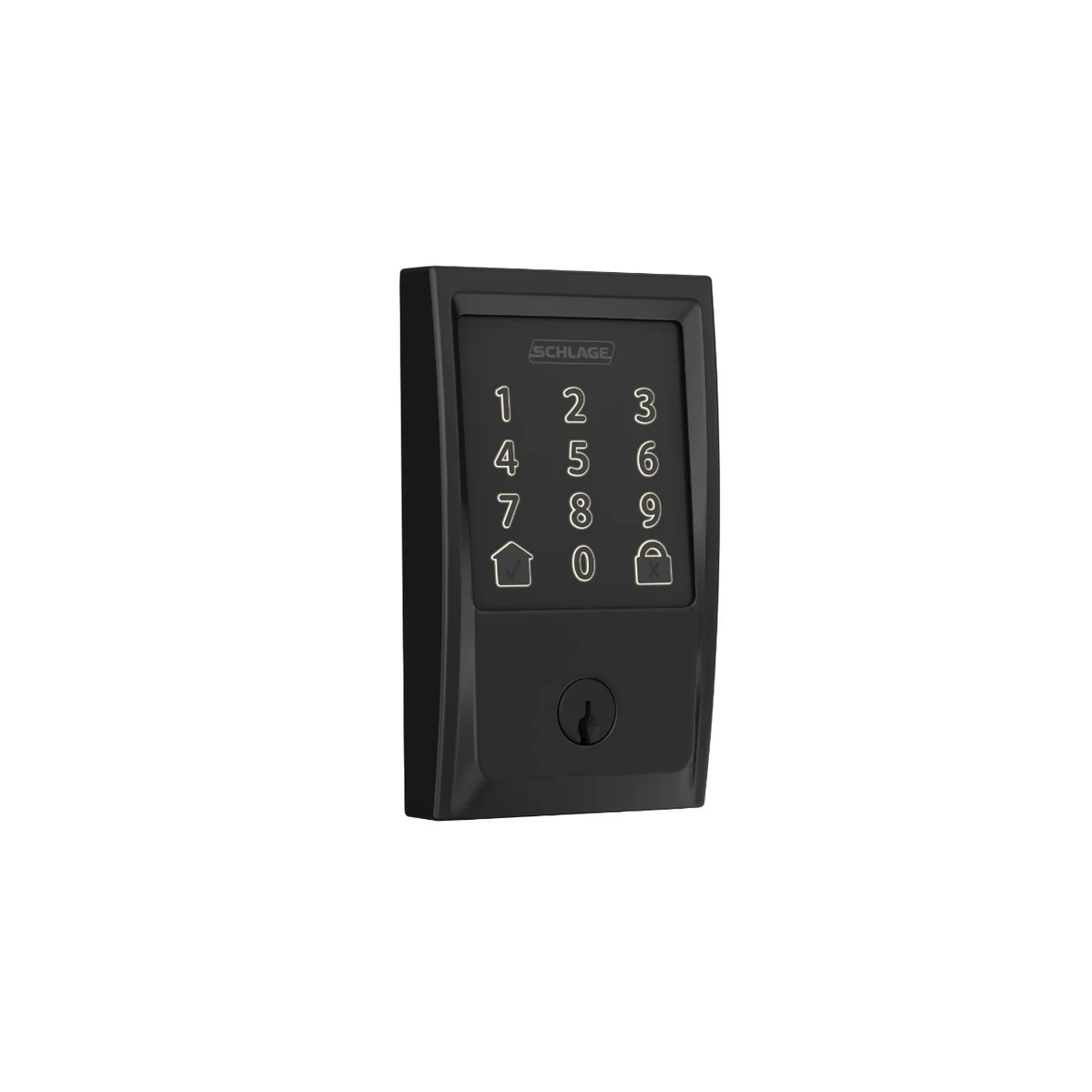 Image: Schlage Encode BE489.
Key specs: Model family: BE489 Encode; Code capacity: 100 access codes; Batteries: four AA; Connection: built-in 2.4 GHz Wi-Fi; Standard door thickness: 1-3/8 to 1-3/4 inches.
The $229.00 Encode is our first choice for a compatible door when you want the keypad, Wi-Fi connection and key cylinder in one replacement deadbolt. There is no separate keypad to buy or bridge to find an outlet for. Set it up in the Schlage Home app, linked from the official product page, then connect it to the eligible Airbnb listing.
This is the standard Encode, not Encode Plus. Airbnb lists both as supported; you don’t need to buy Plus just to get reservation codes. Paying for another model’s phone-key features only makes sense if those features solve a separate need for you.
Installation still depends on the door. Check its thickness, bore, backset and bolt alignment against Schlage’s instructions, and confirm a working 2.4 GHz Wi-Fi connection at the lock. Skip it if you must preserve the current exterior cylinder or the door falls outside the supported dimensions.
The Check-In Test to Run Before Your First Guest
Buying the right lock is only half of avoiding that midnight call. Work through one arrival as if you were the guest:
- Check the door before the software. Operate the bolt with the door open and closed. If it needs a shove or a lifted handle to engage, fix the alignment instead of asking the motor to fight it.
- Test a short access window. With a trusted person outside and a backup available, confirm the guest code works during its scheduled window and no longer works after it expires. Give cleaners and owners separate access.
- Verify the booking connection. A lock visible in its manufacturer’s app isn’t necessarily linked to Airbnb. Confirm the reservation code and instructions have actually synchronized before relying on them.
- Separate an internet outage from dead batteries. Airbnb’s offline-backup guidance explains its preloaded backup-code process when a new reservation code cannot sync. A code cannot power a dead lock; arrange a secure physical fallback and a reachable local contact.
- Write the few instructions a tired guest needs. Include how to wake the keypad, enter the code and lock the door on departure. Keep backup-access details private and share them only as needed.
Add battery checks to turnover maintenance and follow the exact model’s replacement instructions. A small UPS for the router and modem can keep local networking powered through a short outage, but it cannot guarantee the internet provider stays online. Don’t make remote unlock your only emergency plan.
If this is your own front door rather than a rental, our general smart-lock guide covers a different decision: everyday household access rather than changing guest reservations. For another common unattended-property problem, water-leak detectors can alert you to water where it shouldn’t be; they do not replace someone who can respond.
Who Should Buy What
- You want Airbnb to handle reservation codes and can replace the deadbolt: Schlage Encode is the straightforward integrated option.
- You want reservation codes while keeping a compatible existing key: Start with the August Wi-Fi and Yale Keypad bundle.
- You want a retrofit lock and fingerprint access for regular users: Consider Yale Approach with Keypad Touch, provided the bridge has a suitable outlet.
- You manage guest schedules yourself and want physical buttons plus fingerprints: ULTRALOQ U-Bolt Pro WiFi fits that combination.
- You manage schedules yourself and use compatible Kwikset keys: Halo Touchscreen adds keypad entry without abandoning that keying system.
FAQ
Do guests need a phone app to open these locks?
No. Every exact configuration linked here includes a keypad, so guests can use an assigned code. The host needs the appropriate app and setup for remote management. Buying an August or Yale retrofit lock without its keypad would change that answer.
Which of these automatically creates Airbnb reservation codes?
Airbnb currently documents direct support for Schlage Encode, August Wi-Fi with a supported keypad, and Yale Approach with a supported keypad and Wi-Fi bridge for eligible US and Canadian listings. The ULTRALOQ and Kwikset models here are not on that list. Their app-based scheduling isn’t the same as automatic Airbnb synchronization.
What happens when the internet goes down?
Loss of remote management is different from losing locally stored access. Airbnb provides an offline backup-code process for supported connected locks, including situations where a new reservation code has not reached the lock. Check the code’s sync status before arrival, retain a secure physical fallback, and remember that dead batteries require a different response.
Can I keep my existing door key?
August Wi-Fi and Yale Approach retain the outside key cylinder when fitted to a compatible deadbolt. Schlage Encode, ULTRALOQ and Halo replace it; Halo’s SmartKey cylinder can be rekeyed to compatible keys. Check the exact door and key compatibility before ordering.
Bottom Line
For a rental, the most useful smart-lock feature is an arrival that doesn’t need your intervention. The Schlage Encode is our pick for a compatible replacement installation with direct Airbnb support. The August Wi-Fi and Yale Keypad bundle is the lower-priced alternative when retaining the existing deadbolt makes sense. Whichever you choose, test a real access window and arrange the backup before the guest needs either.
This article contains affiliate links. PicksLab may earn a small commission at no extra cost to you. Our recommendations are based on the review method described in this article.